1
2574.2 en
30-01-2007
11:15
Pagina 31
Multimedia Browser (Continued)
EN
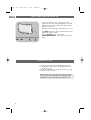
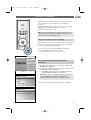
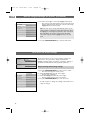
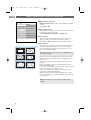
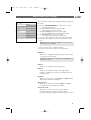
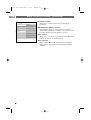
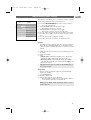
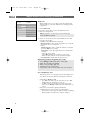
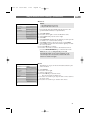
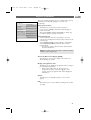
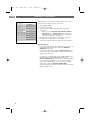
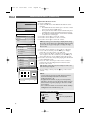
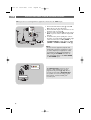
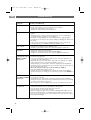
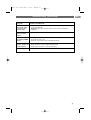
Function keys at the bottom of the screen
Details
to display a description of the selected file
or directory
Transitions
to select if you like to apply a transition
during a slide show
Slide time
to select the duration a picture will be
displayed in a slide show
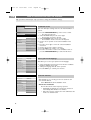
Rotate
to rotate a picture
Repeat one/all
to repeat the playback of a music file
Shuffle
to shuffle music collections in a random way
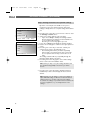
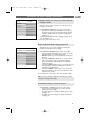
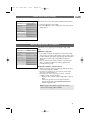
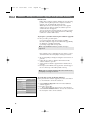
Zoom
to select one of the zoom magnifications
(x1, x2, x4) with the cursor up/down.
Additionally you can shift the selected zoom
window over the screen with the cursor
keys.
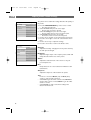
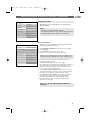
Full/small screen
to toggle between a full or a small screen
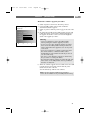
Note: to rotate a picture or to select one of the zoom
magnifications, first stop the slide show with the OK key or
the blue colour key.
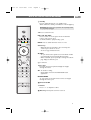
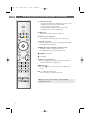
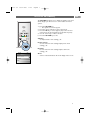
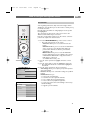
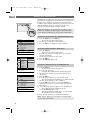
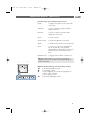
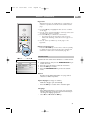
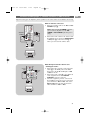
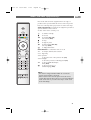
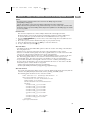
Multimedia function keys on the remote control
Ò
‡
π
†
to fast rewind displaying content
to stop playing content
- to play a single file, start a slide show, playback of a
folder or other collection
- to pause playing content
to fast forward displaying content
31