1
Disc Operations
English
Special DVD Features
Special VCD & SVCD Features
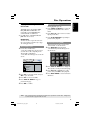
Playing a Title
Playback Control (PBC)
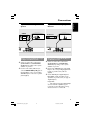
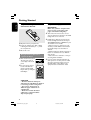
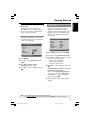
1 Press DISC MENU.
➜ The disc title menu appears on the TV
screen.
2 Use 3 4 1 2 keys or numeric keypad
(0-9) to select a play option.
3 Press OK key to confirm.
Changing the Audio Language
For DVD
● Press AUDIO repeatedly to select
different audio languages.
For VCD with Playback Control (PBC)
feature (version 2.0 only)
● Press DISC MENU to toggle between
‘PBC ON’ and ‘PBC OFF’.
➜ If you select ‘PBC ON’, the disc menu
(if available) will appear on the TV.
➜ Use the PREV J / NEXT K or the
numeric keypad (0-9) to select a play
option.
● During playback, pressing RETURN/
TITLE will return to the menu screen (if
PBC is on).
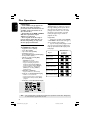
Changing the Audio Channel
For VCD
● Press AUDIO to select the available
audio channels provided by the disc
(MONO LEFT, MONO RIGHT, MIXMONO, STEREO).
If you want to skip the index menu
and playback directly from the
beginning,
● Press DISC MENU key on the remote
control to switch to PBC off.
Subtitles
● Press SUBTITLE repeatedly to select
different subtitle languages.
TIPS:
The operating features described here might not be possible for certain discs. Always refer
to the instructions supplied with the discs.
26
01-45 DVP5960_93_eng4
26
21/09/06, 3:06 PM