1
Using Other Functions
Step by Step
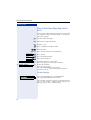
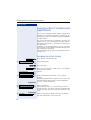
Controlling Relays (not for HiPath 2000)
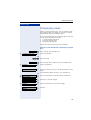
If this function has been configured (contact your service personnel), you can turn up to four relays on and off
to control different facilities (such as a door opener).
Depending on how they are programmed, you can
switch the relays on and off or switch them on and have
them switched off automatically after a timeout.
Special features must be taken into consideration if your telephone operates with
HiPath 5000 (system networking via PC network) Æ Page 115!
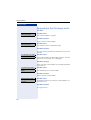
>
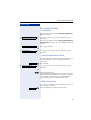
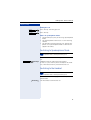
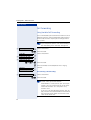
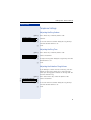
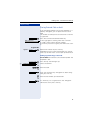
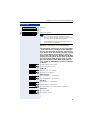
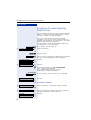
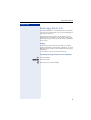
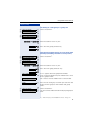
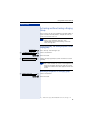
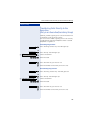
*90=Control Relay On?
: Select and confirm.
>
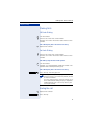
#90=Control Relay Off?
:
or
or
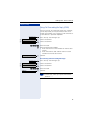
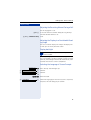
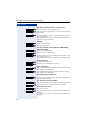
qmd or rmd Enter the code for "on" or "off".
e ... h Enter the relay.
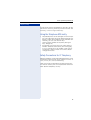
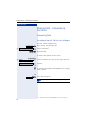
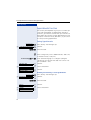
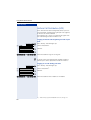
Sensors (HiPath 3300/3350/3500/3550
Only)
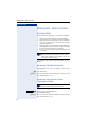
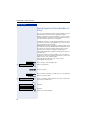
If this function has been configured (contact your service personnel), sensors detect signals, causing your
phone to ring and a message to appear on your screen.
94