1
C:\Users\CHAILING\Desktop\FULLSET_CLOVER\Group_Clover 22 (Rev1)\4537410112\4537410112\4537410112_US\US03STU.fm
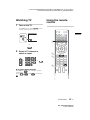
Watching TV
1
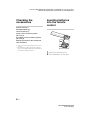
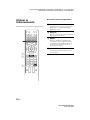
Using the remote
control
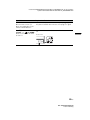
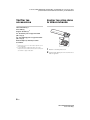
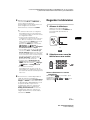
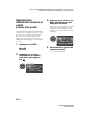
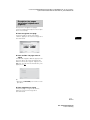
Turn on the TV.
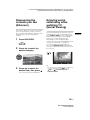
Press "/1 on the TV or POWER on the
remote control to turn on the TV.
US
1
or
2
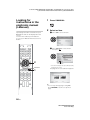
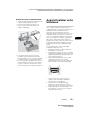
Select a TV channel or
select an input.
2
3
or
or
4
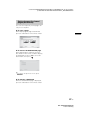
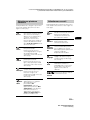
x To select digital channels
Use 0-9 and
channel 2.1:
Press
,
.
. For example, to enter
and
, then press
(Continued)
21 US
KDL-60W630B/60W610B
4-537-410-11(2)