1
8-10
AP-5131 Access Point Product Reference Guide
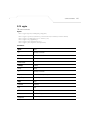
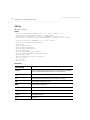
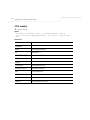
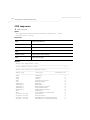
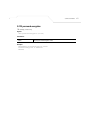
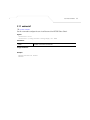
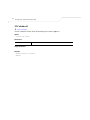
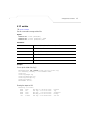
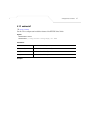
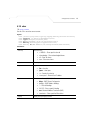
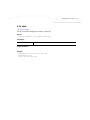
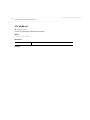
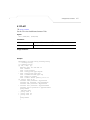
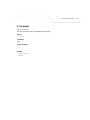
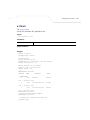
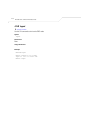
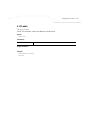
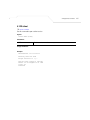
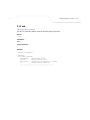
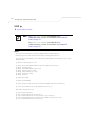
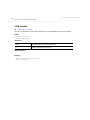
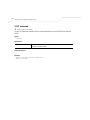
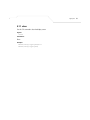
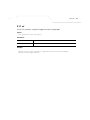
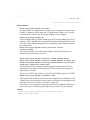
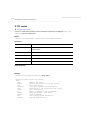
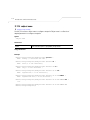
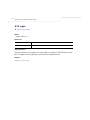
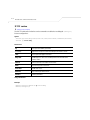
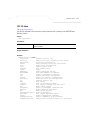
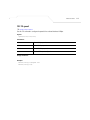
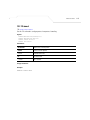
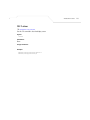
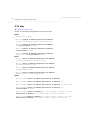
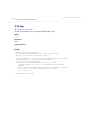
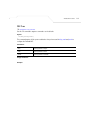
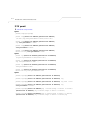
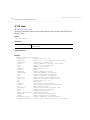
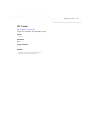
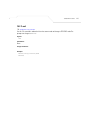
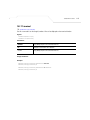
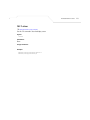
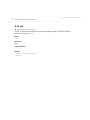
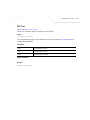
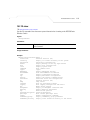
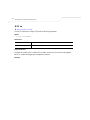
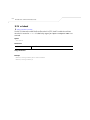
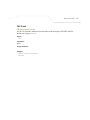
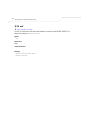
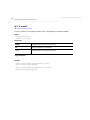
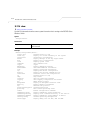
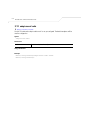
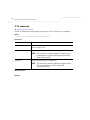
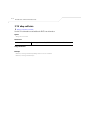
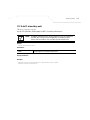
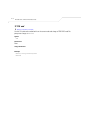
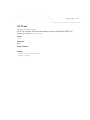
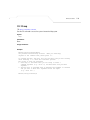
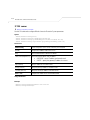
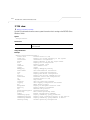
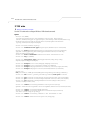
8.1.8 show
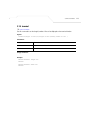
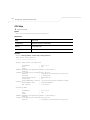
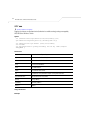
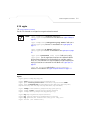
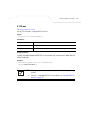
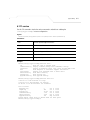
Use thie CLI command to view the current system information that is running on the WS5100 Series
Wirteless Switch.
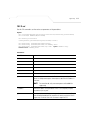
Syntax
show <paramater>
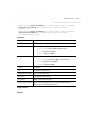
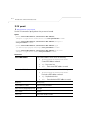
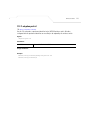
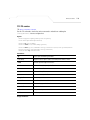
Parameters
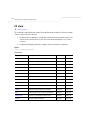
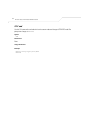
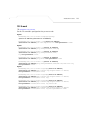
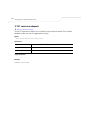
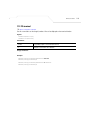
?
Displays all the parameters for which the information can be viewed using the
show command.
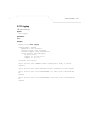
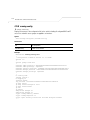
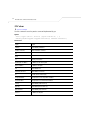
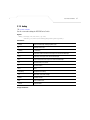
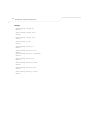
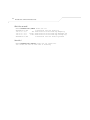
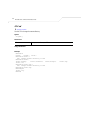
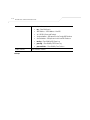
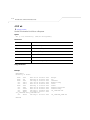
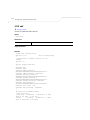
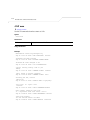
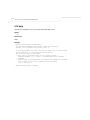
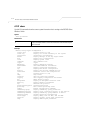
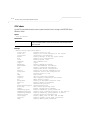
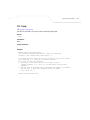
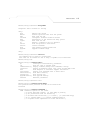
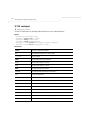
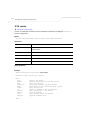
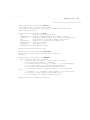
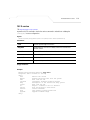
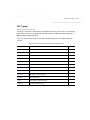
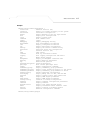
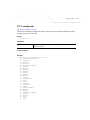
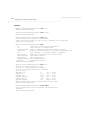
Example
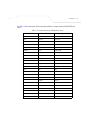
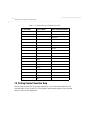
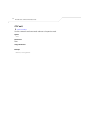
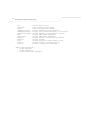
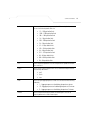
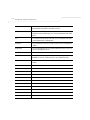
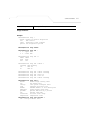
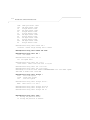
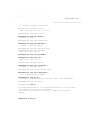
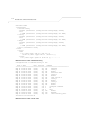
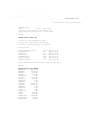
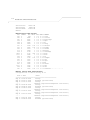
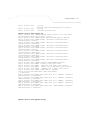
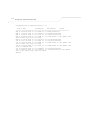
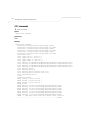
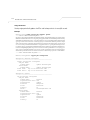
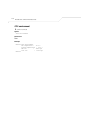
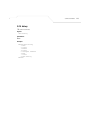
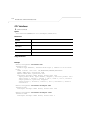
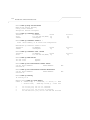
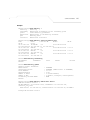
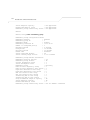
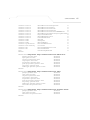
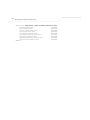
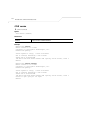
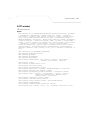
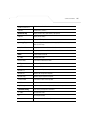
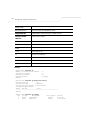
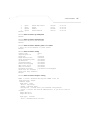
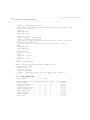
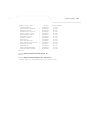
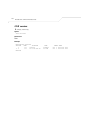
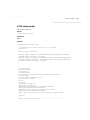
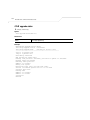
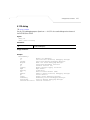
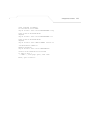
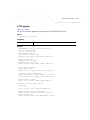
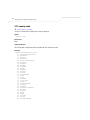
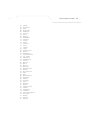
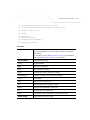
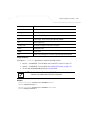
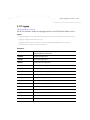
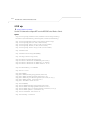
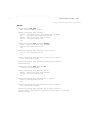
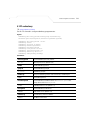
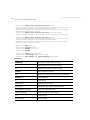
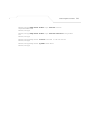
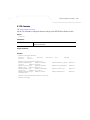
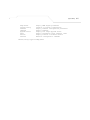
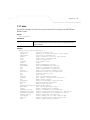
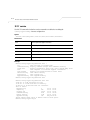
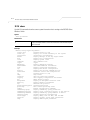
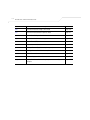
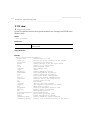
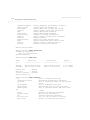
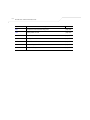
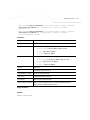
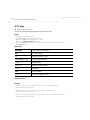
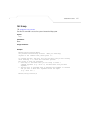
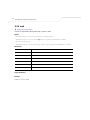
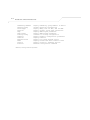
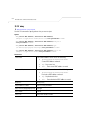
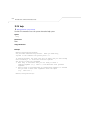
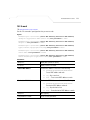
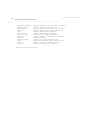
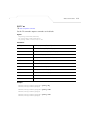
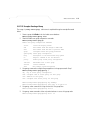
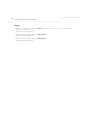
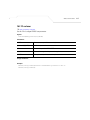
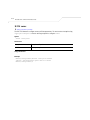
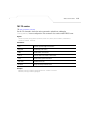
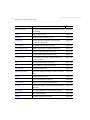
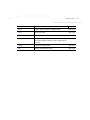
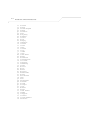
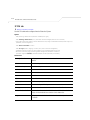
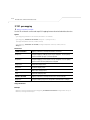
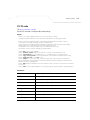
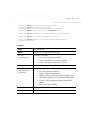
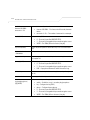
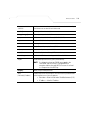
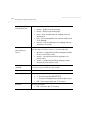
WS5100(config-crypto-peer)#show ?
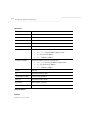
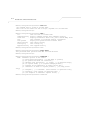
access-list
Internet Protocol (IP)
alarm-log
Display all alarms currently in the system
autoinstall
autoinstall configuration
banner
Display Message of the Day Login banner
boot
Display boot configuration.
clock
Display system clock
commands
Show command lists
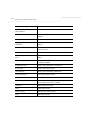
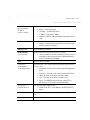
crypto
crypto
debugging
Display debugging setting
environment
show environmental information
file
Display filesystem information
ftp
Display FTP Server configuration
history
Display the session command history
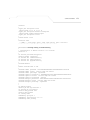
interfaces
Interface status and configuration
ip
Internet Protocol (IP)
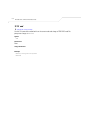
ldap
ldap server
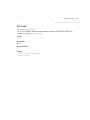
licenses
Show any installed licenses
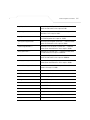
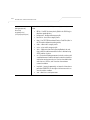
logging
Show logging configuration and buffer
mac
Media Access Control
management
Display L3 Managment Interface name
mobility
Display Mobility Parameters
ntp
Network time protocol
password-encryption password encryption
privilege
Show current privilege level
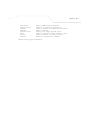
radius
Radius configuration commands
redundancy-group
Display redundancy group parameters
redundancy-history
Display state transition history of the switch.
redundancy-members
Display redundancy group members in detail
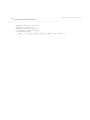
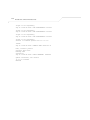
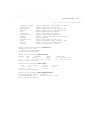
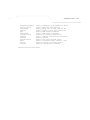
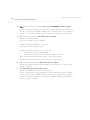
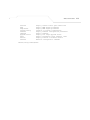
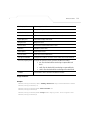
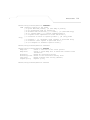
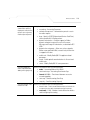
running-config
Current Operating configuration
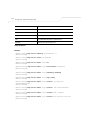
securitymgr
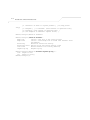
Display debug info for ACL, VPN and NAT
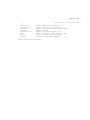
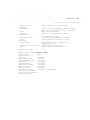
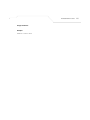
sessions
Display current active open connections
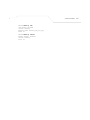
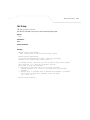
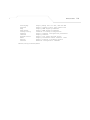
snmp
Display SNMP engine parameters