1
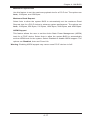
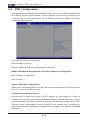
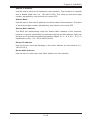
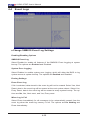
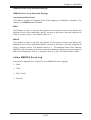
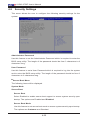
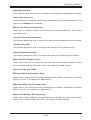
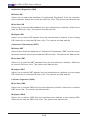
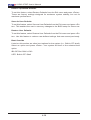
A1SA2-2750F User’s Manual 4-5 Security Settings This menu allows the user to configure the following security settings for the system. Administrator Password Use this feature to set the Administrator Password which is required to enter the BIOS setup utility. The length of the password should be from 3 characters to 8 characters long. User Password Use this feature to set a User Password which is required to log into the system and to enter the BIOS setup utility. The length of the password should be from 3 characters to 8 characters long. Secure Boot Menu The following items will be displayed. System Mode Secure Boot Secure Boot Select Enabled to enable secure boot support to ensure system security upon bootup. The options are Enabled and Disabled. Secure Boot Mode Use this feature to set secure boot mode to ensure system security upon bootup. The options are Customer and Standard. 4-22