1
Chapter 4: BIOS
4-4
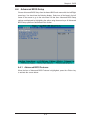
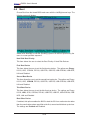
Advanced BIOS Setup
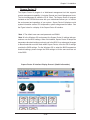
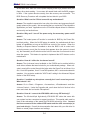
Choose Advanced BIOS Setup from the Award BIOS main menu with the Left/Right
arrow keys. You should see the following display. Select one of the items in the left
frame of the screen to go to the sub-screen for that item. Advanced BIOS Setup
options are displayed by highlighting the option using the arrow keys. All Advanced
BIOS Setup options are described in this section.
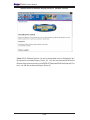
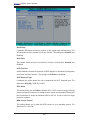
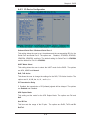
4-4.1 Advanced BIOS Features
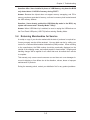
When the item of Advanced BIOS Features is highlighted, press the <Enter> key
to activate the screen below:
4-5