1
Chapter1.book Page 41 Tuesday, March 21, 2000 9:40 AM
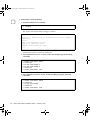
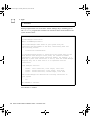
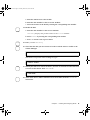
c. Press q twice to exit cmsconfig.
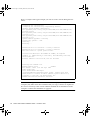
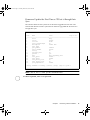
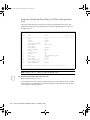
You will need this information when you initialize the Volume Manager. It can be
useful for other purposes, so you may wish to keep it.
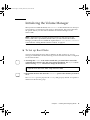
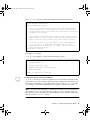
When you have loaded the Volume Manager software, and before you run
vxinstall to initialize it, you must configure the software to run as required on the
Netra ft 1800. This involves:
■
■
■
■
Setting default volume creation to mirror disks by default when they are created.
Configuring the Volume Manager to deal with stale boot disks.
Configuring the Volume Manager’s recovery behavior when a physical disk fails.
Enabling boot disk detection.
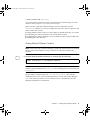
Setting Default Volume Creation
Note – Disk mirroring in Volume Manager provides the fault tolerance for the disk
storage of the Netra ft 1800. This step is essential to ensure that all disks are
mirrored.
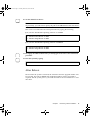
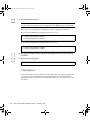
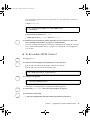
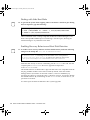
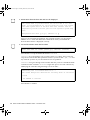
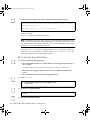
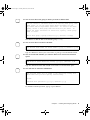
9. To mirror disks by default when they are created, type the following:
$ echo "mirror=yes" > /etc/default/vxassist
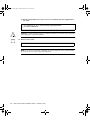
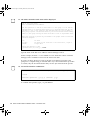
Note – If the vxassist file already exists, resolve any differences between the
contents of the file and the line mirror=yes. The resulting file must contain the line
mirror=yes.
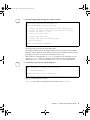
The preceding command creates the /etc/default/vxassist file with the
required line in it. This sets the tunable parameters used by the Volume Manager
vxva GUI. (These parameters can be overriden via the command line.) See the
SEVM documentation for full details.
Chapter 6
Installing and Configuring SEVM
41