1
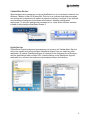
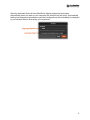
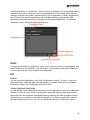
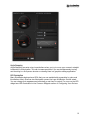
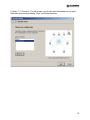
Adding applications to “Autolaunch” means that this configuration will automatically deploy
whenever you launch or switch to one of these applications. This has the same effect as
changing a device/configuration pair assignment to the application in Library. Applications
can only have one device/configuration pair. Add applications by selecting the Add
Application button and browse your computer for the desired application. To delete an
application, select it and then select trashcan icon.
Delete
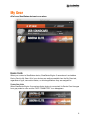
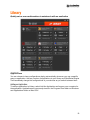
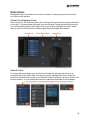
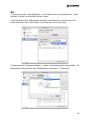
To permanently delete a configuration, hover over it, select the gear icon that appears, and
select Delete from the dropdown. You will receive a confirmation window that will ask you
if you are sure that you want to delete the configuration.
Edit
Rename
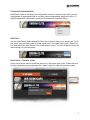
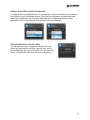
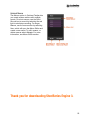
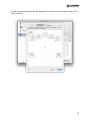
You can rename configurations in the Edit Configuration window. To open it, hover over
the configuration, select the gear icon that appears, and select Edit from the dropdown.
Enter a new name in the Configuration Name text field.
Change Autolaunch Applications
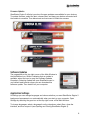
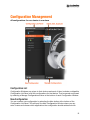
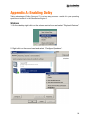
You can change which applications autolaunch your configuration in the Edit Configuration
window. To open it, hover over the configuration, select the gear icon that appears, and
select Edit from the dropdown. Add applications by selecting the Add Application button
and browse your computer for the desired application. To delete an application, select it
and then select trashcan icon. For more on autolaunch see New Configuration section.
13