1
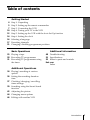
Table of contents
Getting Started
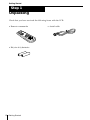
Step 1: Unpacking
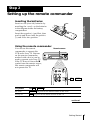
Step 2: Setting up the remote commander
Step 3: Connecting the VCR
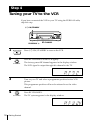
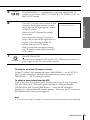
Step 4: Tuning your TV to the VCR
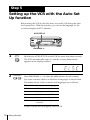
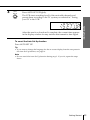
Step 5: Setting up the VCR with the Auto Set Up function
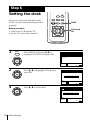
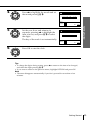
Step 6: Setting the clock
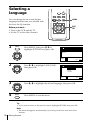
Selecting a language
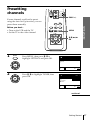
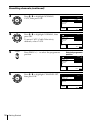
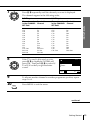
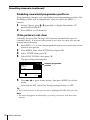
Presetting channels
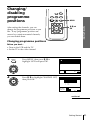
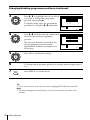
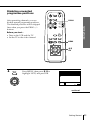
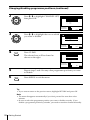
Changing/disabling programme positions
Basic Operations
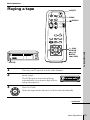
25 Playing a tape
28 Recording TV programmes
31 Recording TV programmes using
the timer
Getting Started
4
5
7
10
12
14
16
17
21
Additional Information
48 Troubleshooting
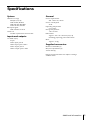
51 Specifications
52 Index to parts and controls
Back cover
Index
Additional Operations
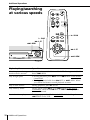
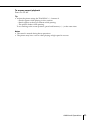
34 Playing/searching at various
speeds
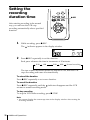
36 Setting the recording duration
time
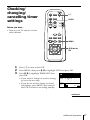
37 Checking/changing/cancelling
timer settings
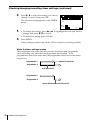
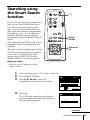
39 Searching using the Smart Search
function
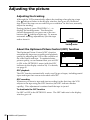
42 Adjusting the picture
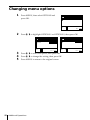
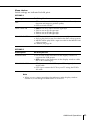
44 Changing menu options
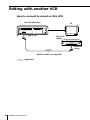
46 Editing with another VCR
Introduction
3