1
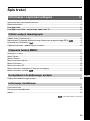
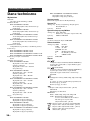
Table of Contents
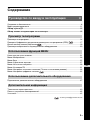
Start-up Guide
4
Safety information .....................................................................................................................7
Precautions .............................................................................................................................10
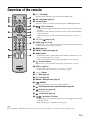
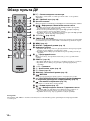
Overview of the remote ........................................................................................................11
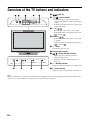
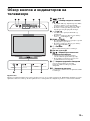
Overview of the TV buttons and indicators ........................................................................12
Watching TV
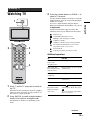
Watching TV............................................................................................................................13
Checking the Digital Electronic Programme Guide (EPG)
.............................................15
Using the Favourite list
..................................................................................................17
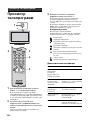
Viewing pictures from connected equipment ..........................................................................18
Using MENU Functions
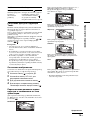
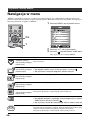
Navigating through menus ......................................................................................................19
Picture menu ...........................................................................................................................20
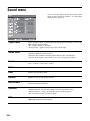
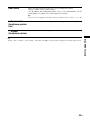
Sound menu............................................................................................................................22
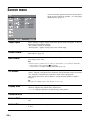
Screen menu...........................................................................................................................24
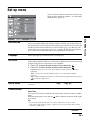
Set-up menu............................................................................................................................25
PC Settings menu ...................................................................................................................27
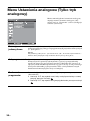
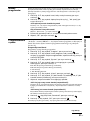
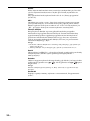
Analogue Set-up menu (Analogue mode only) .......................................................................28
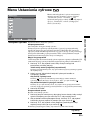
Digital Set-up menu
.......................................................................................................31
Using Optional Equipment
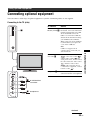
Connecting optional equipment...............................................................................................33
Additional Information
Specifications ..........................................................................................................................36
Troubleshooting ......................................................................................................................38
Index .......................................................................................................................................40
: for digital channels only
3 GB
GB