1
REMOTE CLIENT SETUP
REMOTE RECORDING SETUP
Only the ADMIN user can configure a DVR remotely. With the exception of network settings and certain
display options, any of the DVR settings can be changed.
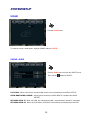
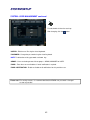
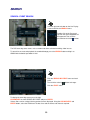
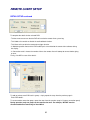
ENTERING SETUP
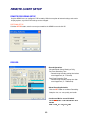
Click the SETUP button, enter the correct password for the ADMIN user and click OK
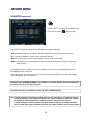
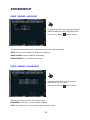
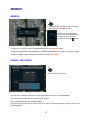
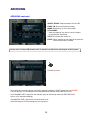
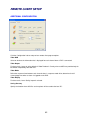
RECORD
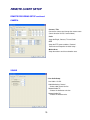
• Record Operations
Schedule Mode: Select Weekly or Daily.
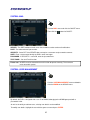
Pre Event Recording Time
: Record image including setting time before
event happened. (0 ~ 5 Second)
Post Event Recording Time
: Record image including setting time after
event happened. (5 ~ 180Second)
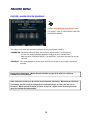
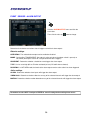
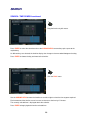
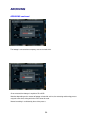
• Alarm Recording Schedule
Click the SET Button to set Alarm Recording.
Setup the size, rec. rate, quality and audio.
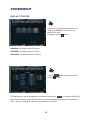
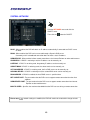
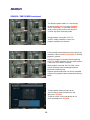
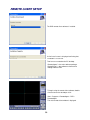
• Continuous/Motion record Schedule
Click the SET Button to Continuous/Motion record
Schedule.
Setup the size, rec. rate, quality, audio.
69