1
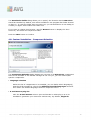
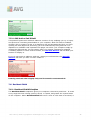
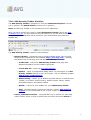
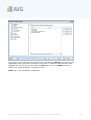
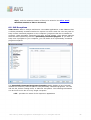
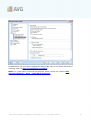
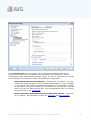
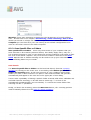
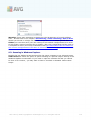
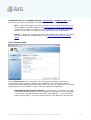
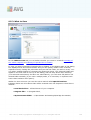
Note: For detailed information on each scan please see the Scan
Results dialog accessible via the View details button (in the bottom
part of this dialog).
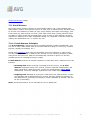
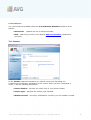
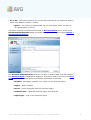
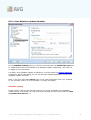
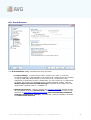
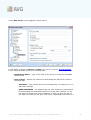
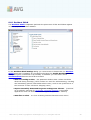
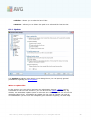
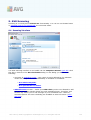
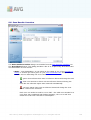
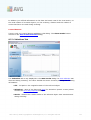
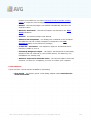
· Start time - date and time when the scan was launched
· End time - date and time when the scan ended
· Tested objects - number of objects that were checked during scanning
· Infections - number of virus infections detected / removed
· Spyware - number of spyware detected / removed
· Scan log information - information relating to the scanning course and result
(typically on its finalization or interruption)
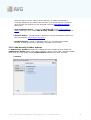
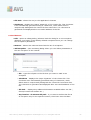
Control buttons
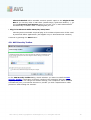
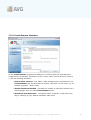
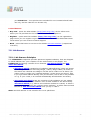
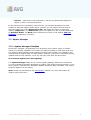
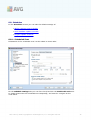
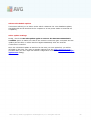
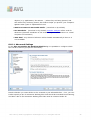
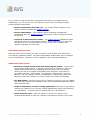
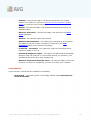
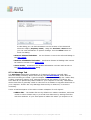
The control buttons for the Scan results overview dialog are:
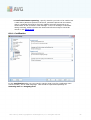
· View details - press this button to switch to the Scan results dialog to view
detailed data on the selected scan
· Delete result - press this button to remove the selected item from the scan
results overview
· Back - switches back to the default dialog of the AVG scanning interface
9.7. Scan Results Details
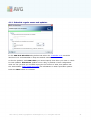
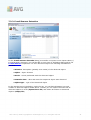
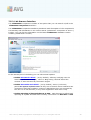
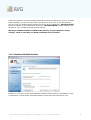
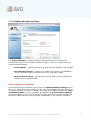
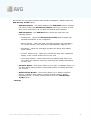
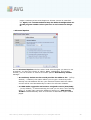
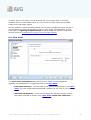
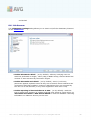
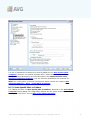
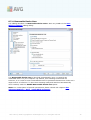
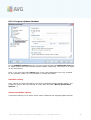
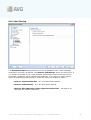
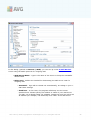
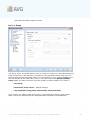
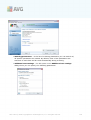
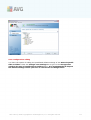
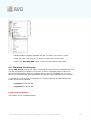
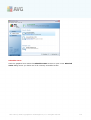
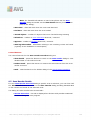
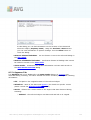
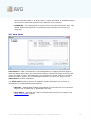
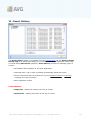
If in the Scan Results Overview dialog a specific scan is selected, you can then click
the View details button to switch to the Scan Results dialog providing detailed data
on the course and result of the selected scan.
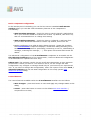
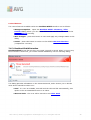
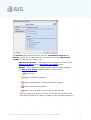
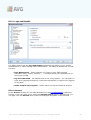
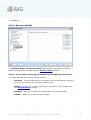
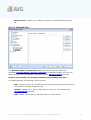
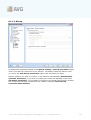
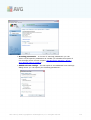
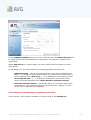
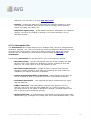
The dialog is further divided into several tabs:
· Results Overview - this tab is displayed at all times and provides statistical
data describing the scan progress
AVG 9 Free © 2009 C opyright AVG Technologies C Z, s.r.o. All rights reserved.
129