1
Setting Input and Output Levels
To set Pro Tools | Quartet’s input level (i.e, the preamp gain of microphones and instruments):
1
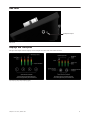
Press the Touchpad corresponding to the desired input.
The ring around the selected icon will be brighter than the others after you select it.
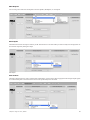
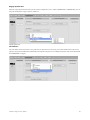
Selecting the Input Touchpad (left); setting the Input Level (right)
2
Turn the Controller Knob until the desired recording level is obtained.
The controller knob operates in parallel with Pro Tools IO Control’s input controls.
To change Pro Tools | Quartet’s speaker output level:
1
Press the speaker output Touchpad.
The ring around the selected icon will be brighter than the others after you select it.
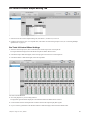
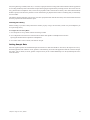
Selecting the Speaker Output Touchpad (left); setting the Speaker Output Level (right)
2
Turn the controller knob to the desired listening level.
The controller knob operates in parallel with any software output controls on the computer.
Chapter 5: Using Pro Tools | Quartet
21