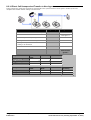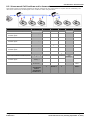
1
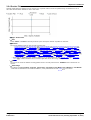
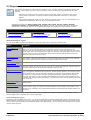
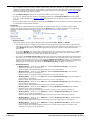
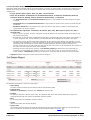
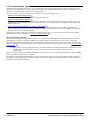
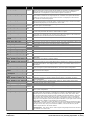
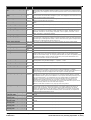
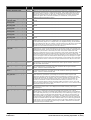
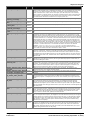
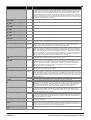
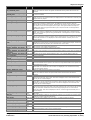
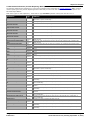
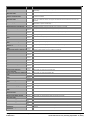
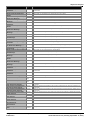
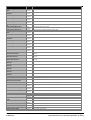
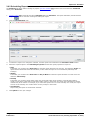
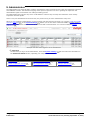
7.21 Calls Waiting
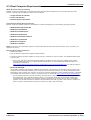
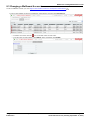
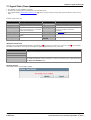
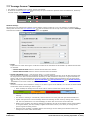
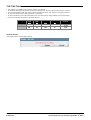
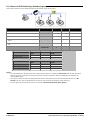
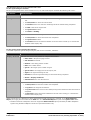
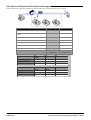
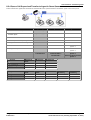
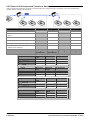
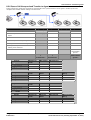
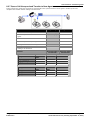
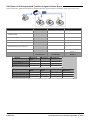
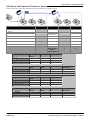
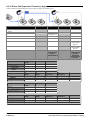
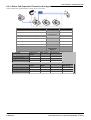
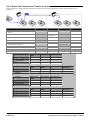
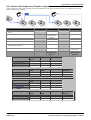
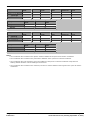
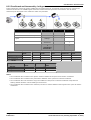
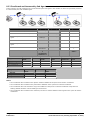
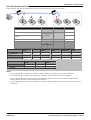
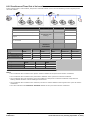
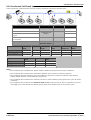
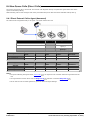
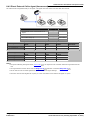
· This statistic is available for the system and queues.
· It shows the number of calls targeted to the queue that are waiting to be answered by the agents in the queue or the
agent being reported on.
· It includes calls currently ringing at agent telephones.
· Calls that overflow from the queue and are still waiting to be answered are reported using Overflowed Calls Waiting
261 .
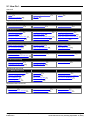
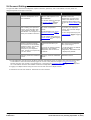
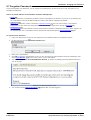
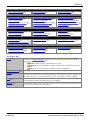
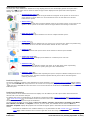
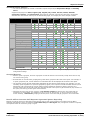
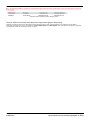
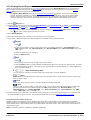
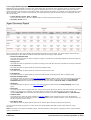
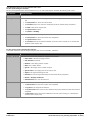
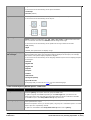
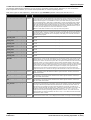
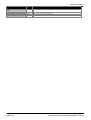
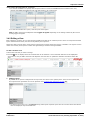
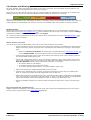
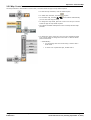
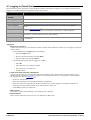
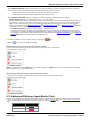
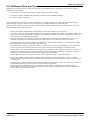
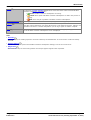
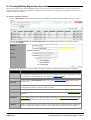
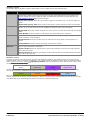
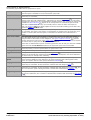
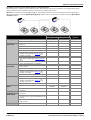
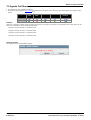
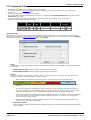
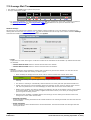
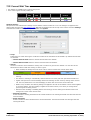
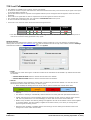
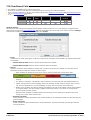
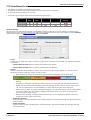
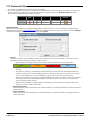
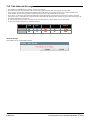
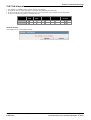
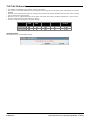
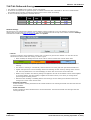
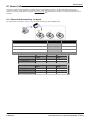
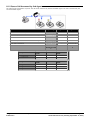
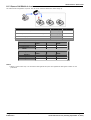
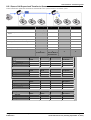
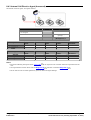
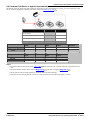
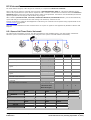
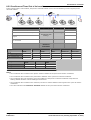
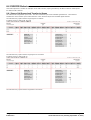
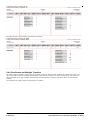
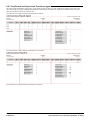
Call types
Queue
Calls
Direct Call Internal Calls External Calls
Queue
Optional
Optional
Agent
Overflowed
from/to
/
/
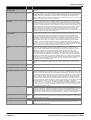
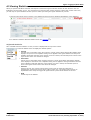
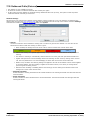
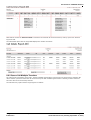
Additional Information
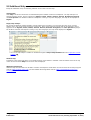
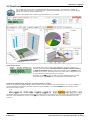
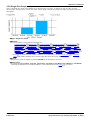
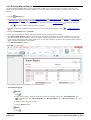
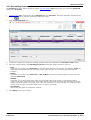
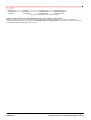
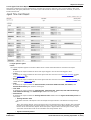
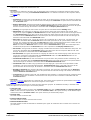
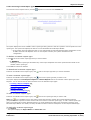
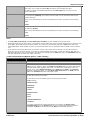
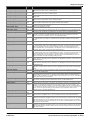
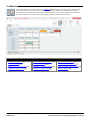
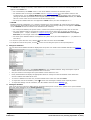
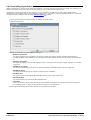
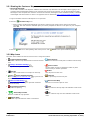
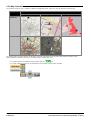
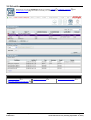
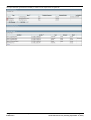
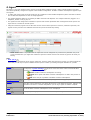
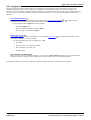
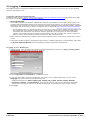
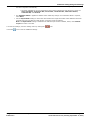
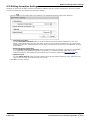
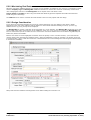
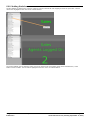
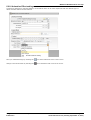
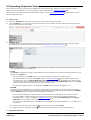
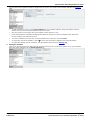
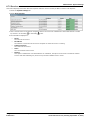
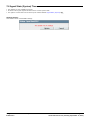
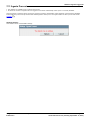
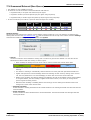
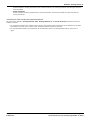
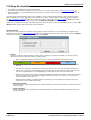
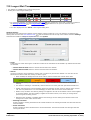
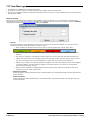
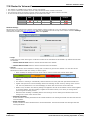
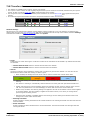
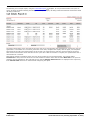
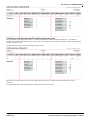
Statistic can include additional information, indicated by a red corner icon. Place your cursor over the
the addition information. This type of information is updated approximately every 5 seconds.
icon to display
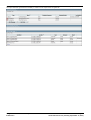
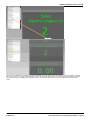
· The additional information provided by this statistic is the peak waiting time, the average waiting time and the
current longest waiting time.
· The information is shown for internal and or external calls depending on the statistic settings.
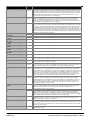
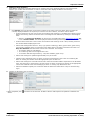
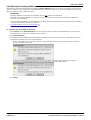
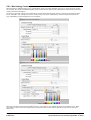
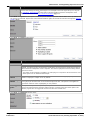
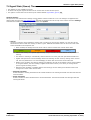
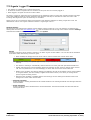
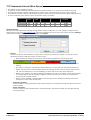
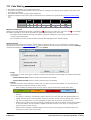
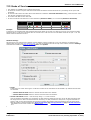
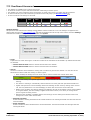
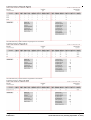
Statistic Settings
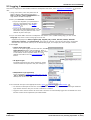
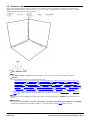
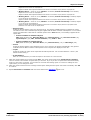
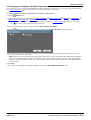
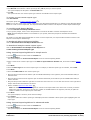
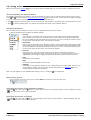
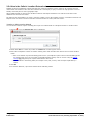
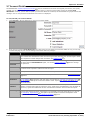
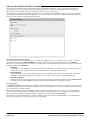
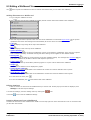
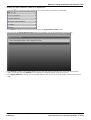
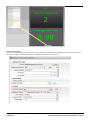
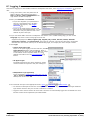
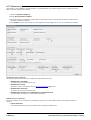
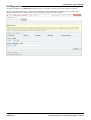
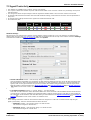
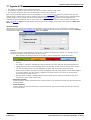
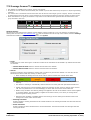
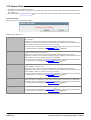
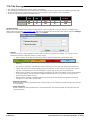
All supervisors can customize the settings of each statistic column included in a view. The changes are applied to the
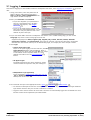
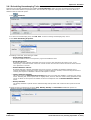
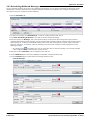
existing data since the last view statistics reset 111 . Click the statistic name at the top of the column and select Settings.
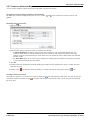
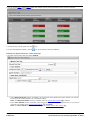
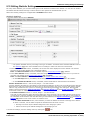
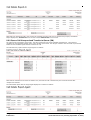
Customize the statistics settings as required and then click Update.
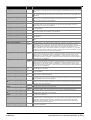
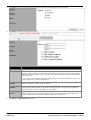
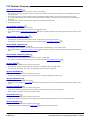
· Scope
Supervisors can select which types of calls are included in the calculation of this statistic. By default external calls
are included.
· Include Internal Calls: Select to include internal calls in the statistic.
· Include External Calls: Select to include external calls in the statistic.
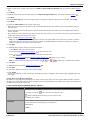
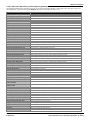
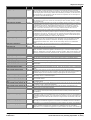
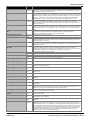
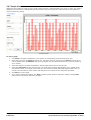
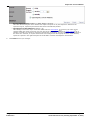
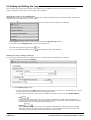
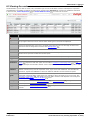
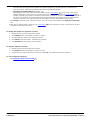
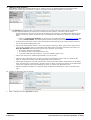
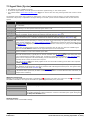
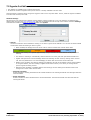
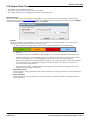
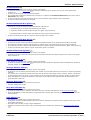
· Alarms
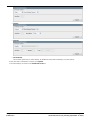
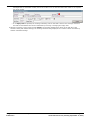
Use these controls to select whether a warning and or an alarm is given for the statistic. You can also set the
threshold level above which the warning or alarm is given.
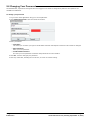
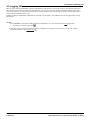
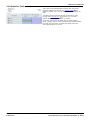
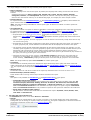
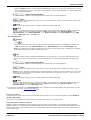
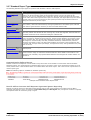
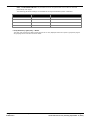
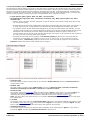
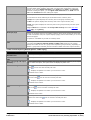
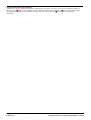
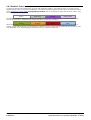
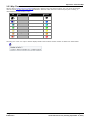
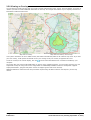
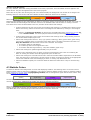
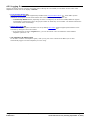
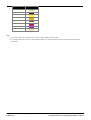
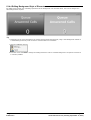
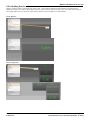
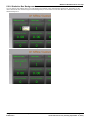
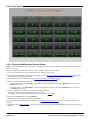
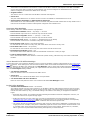
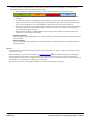
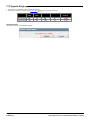
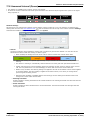
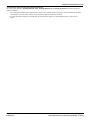
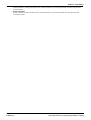
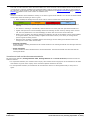
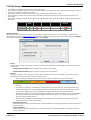
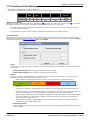
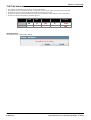
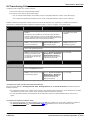
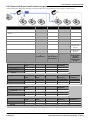
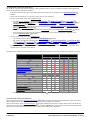
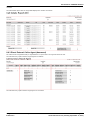
· When enabled, the background color of the cells is used to indicate their current alarm state.
Enabled / Cleared
(Green)
Warning
(Orange)
Alarm
(Red)
Acknowledged
(Blue)
· Alarms and warning are updated approximately every 8 seconds. An alarm when it occurs, overrides a
warning.
· The alarms or warning is automatically cleared when the cell value goes back past the threshold level.
· Agents and supervisors can acknowledge alarms and warnings in their views by clicking on the colored
cell. This only affects their view. Acknowledging an alarm also removes it from the alarm list.
· Within views, the alarm and warning settings are applied to all cells in the statistic column. When applied
to an agent statistic, the same setting is applied to the whole column, even when you change which
queue's agents are being viewed.
· Note that when enabling or disabling alarms and warnings, the new settings are effective at the next
change in the value of the relevant cells.
Using IP Office Customer Call Reporter
IP Office 9.0
Page 246
15-601130 Issue 9.01.0 (Tuesday, September 10, 2013)