1
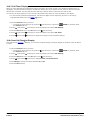
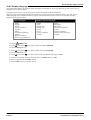
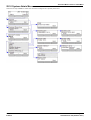
14.6 Changing Your Login Code
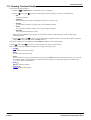
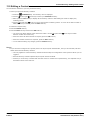
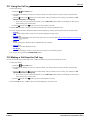
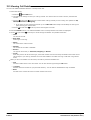
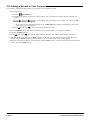
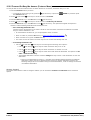
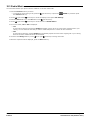
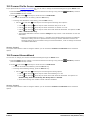
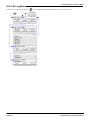
You can change your own login code.
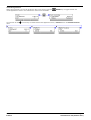
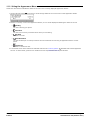
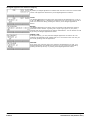
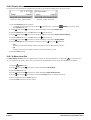
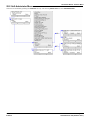
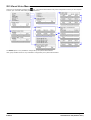
1. Press the Features soft key if shown.
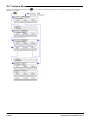
· To access the menu during a call, press the
the Features soft key.
2. Use the
up and down
up and down
PHONE key and then press
arrow keys to scroll the display to the option Phone User.
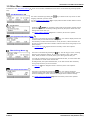
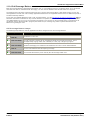
3. Press the Select soft key or the OK button or the
4. Use the
right arrow key or press the
right arrow key.
arrow keys to scroll the display to the option Set Password.
5. Press the Select soft key or the OK button or the
right arrow key.
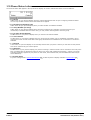
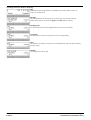
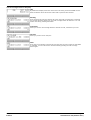
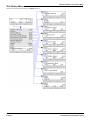
6. Enter your current login code if you already have one.
7. Press the Done soft key.
8. Enter your new password.
9. The password changed message will appear for a few moments.
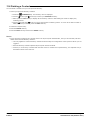
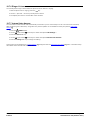
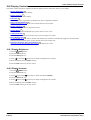
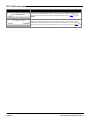
14.7 Unregistering
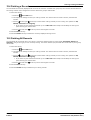
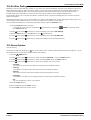
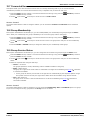
This method of logging out will unregister the phone from the telephone system.
· WARNING
· In this state the phone cannot be used to make or answer any calls including emergency calls.
· It is strongly recommended that you do not use this option unless directly advised to do so by your system
administrator. To log out it is recommended that you use the preferred log out method 87 provided.
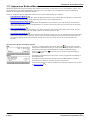
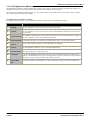
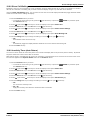
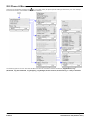
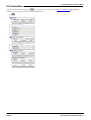
1. Press the
2. Use the
MENU button.
up and down
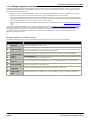
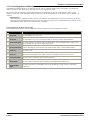
arrow keys to locate the option Log Out....
3. Press the Select soft key.
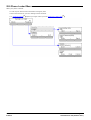
4. Press the Log Out soft key.
5. The phone now displays the menu for unregistered phone log in.
1408, 1416 Phone User Guide
IP Office
Page 90
15-601040 Issue 04f (22 March 2011)