1
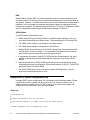
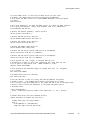
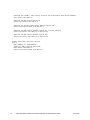
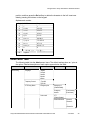
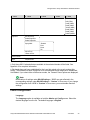
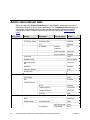
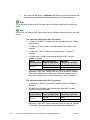
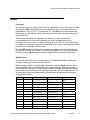
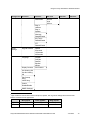
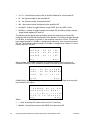
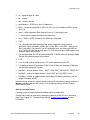
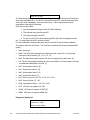
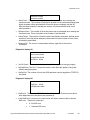
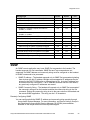
Without subbands: When the 802.11 mode has no subbands, the Transmit
Power list is displayed when NavOK is pressed to set the mode. Only those
power levels which apply to the domain and 802.11 mode are listed. Navigate
to the desired level and press NavOK. This sets the transmit power level and
exits the Regulatory Domain menus. The Network Setup menu will again
display.
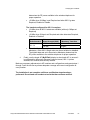
Note that the power setting selected specifies the maximum for that
band/subband. When Transmit Power Control (TPC) is enabled in the
infrastructure, the AP may instruct the handset to use a lower value to match
its own transmit power.
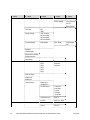
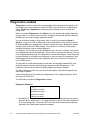
Diagnostics
Run Site Survey
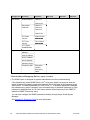
The Site Survey mode is activated by selecting this option. The site survey starts
running immediately upon selecting this option. See Chapter 10: Diagnostic Tools for
more information about site survey.
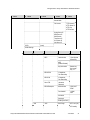
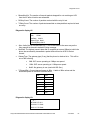
Diagnostics Mode
Diagnostics can be enabled or disabled. See Chapter 10: Diagnostic Tools, section
Diagnostics Enabled for a detailed explanation of the Diagnostics mode options.
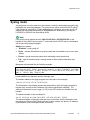
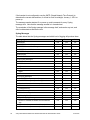
Syslog Mode
See Chapter 10: Diagnostic Tools, section Syslog Mode for a detailed explanation of the
Syslog mode options.
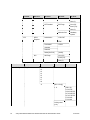
Error Handling Mode
The Error Handling mode determines how the handset behaves when an error occurs.
The Halt on Error option will cause the handset to stop operating if an error message is
received. Unless the error is a fatal one, normal operation may be resumed by restarting
the handset. The Restart on Error option will cause the handset to make every effort to
reboot quietly and quickly to standby mode. In either scenario, a call in progress will be
lost. Restart On Error should be used unless specific error conditions are being
investigated.
Error detail may be shown on the display, captured by the syslog server and may also
be available for downloading with the Handset Administration Tool. An error memory
dump can be taken and sent to Customer Service for escalation and analysis.
Restore defaults
The Restore Defaults option will set all user and administrative parameters except
Telephony Protocol to their factory defaults.
54
Avaya 3641/3645/6120/6140 IP Wireless Handset SIP Administration Guide
June 2012