1
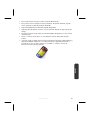
Battery Operation
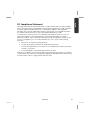
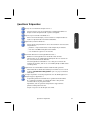
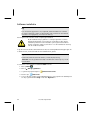
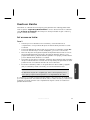
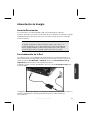
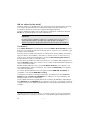
To extend the life and power of your battery and guarantee secure operation, the
instructions below should be followed:
10
•
Never expose the battery to direct sunlight or heat for long periods.
•
Do not dispose of the battery by fire.
•
Disregarding these instructions will lead to damage and under some circumstances
may even cause the battery to explode.
•
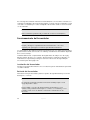
Do not open the battery housing; it contains no user-serviceable parts.
•
Keep the battery away from electrically conductive materials, chemical substances
and cleaning agents.
•
Only use the originally supplied power adapter to charge the battery.
•
Ensure (through the display or the signalling sound of the notebook) that the
battery is completely discharged before recharging it.
•
Replace the battery only with the same type or an equivalent type recommended
by the manufacturer.
•
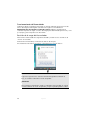
Charge the battery only until the battery charging light goes out. Also, refer to the
instructions under “Charging the Battery” on page 29 for instructions on checking
the battery level.
•
Only change the battery when the unit is switched off.
•
Batteries are classified as special waste and should always be disposed of properly.
Contact Customer Service for more details.
Safety Instructions