1
970C.book Page 35 Tuesday, February 1, 2000 11:31 PM
2
Using and Caring for Your Print Cartridges
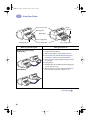
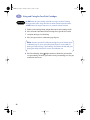
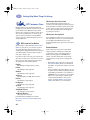
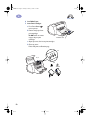
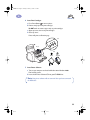
4 Manually clean the print cartridges.
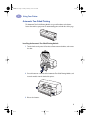
4.1 Dip a clean cotton swab into distilled water and squeeze any excess water
from the swab.
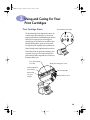
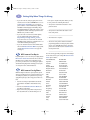
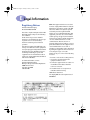
4.2 Clean the face and edges of the Do not clean
nozzle plate
print cartridge as shown. DO
NOT wipe the nozzle plate.
4.3 Inspect the cartridge for fibers
on the face and edges. If fibers
are still present, repeat the
cleaning process.
4.4 Repeat the cleaning process for
the other print cartridge.
Caution
Clean
Once you’ve removed the print cartridges, make sure that they are not
outside of the printer longer than 30 minutes.
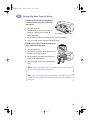
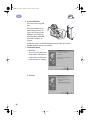
5 Manually clean the print cartridge cradle.
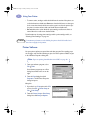
5.1 Using clean, moistened swabs, wipe
the underside of each wall of the
cradle.
5.2 Repeat until no ink residue is seen on
a clean swab.
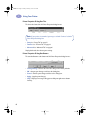
6 Reinsert the print cartridges, then close
the printer’s top cover.
7 Load white paper into the IN tray.
8 Reinsert the electrical power cord into
the back of the printer.
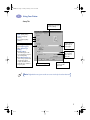
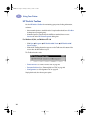
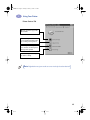
9 Print a test page. From the HP Toolbox, click Print a Test Page.
Note: If streaking still appears, repeat the procedure until the test printout
is clean. You will find additional maintenance tips at
http://www.hp.com/support/home_products.
35