1
4 Managing Microsoft® Pocket Outlook applications
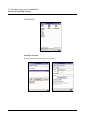
Contacts
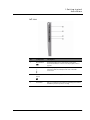
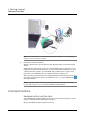
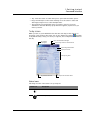
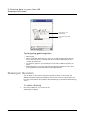
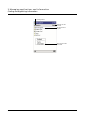
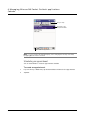
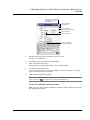
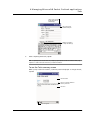
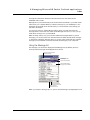
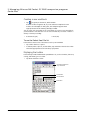
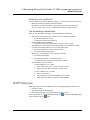
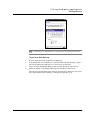
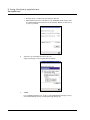
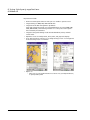
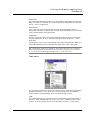
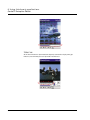
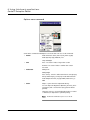
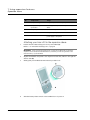
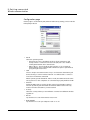
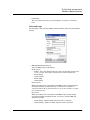
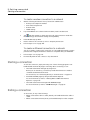
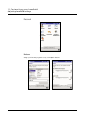
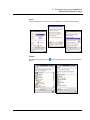
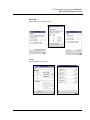
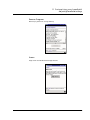
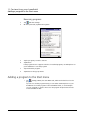
View appointment details.
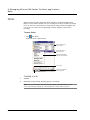
View.
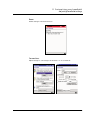
Tap to change
appointment.
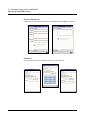
Creating a meeting request
You can use Calendar to set up meetings with users of Outlook or Pocket Outlook. The
meeting request will be created automatically and sent when you synchronise Inbox
or when you connect to your email server. Indicate how you want meeting requests
sent by tapping Tools and then Options. If you send and receive email messages
through ActiveSync, select ActiveSync.
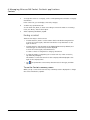
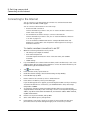
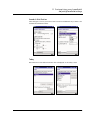
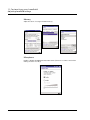
To schedule a meeting
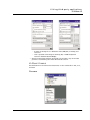
1
Create an appointment.
2
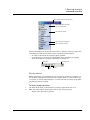
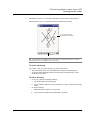
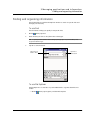
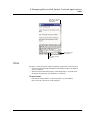
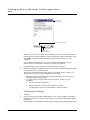
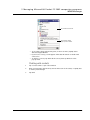
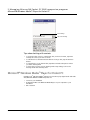
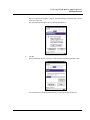
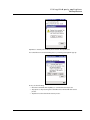
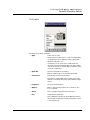
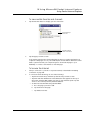
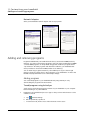
In the appointment details, hide the input panel, and then tap Attendees.
3
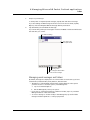
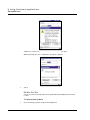
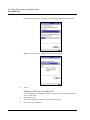
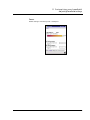
From the list of email addresses you've entered in Contacts, select the meeting
attendees.
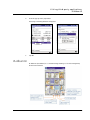
The meeting notice is created automatically and placed in the Outbox folder.
For more information on sending and receiving meeting requests, see the Help menu
of Calendar and Inbox in your handheld.
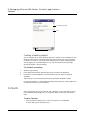
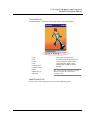
Contacts
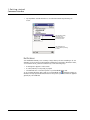
Contacts maintains a list of your friends’ and colleagues’ contact information. Using
your handheld’s infrared (IR) port, you can quickly share this list with other device
users.
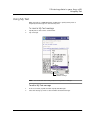
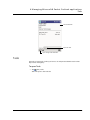
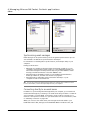
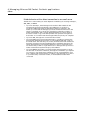
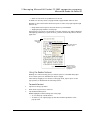
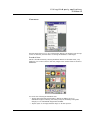
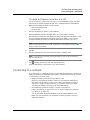
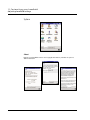
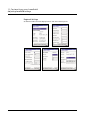
To open Contacts
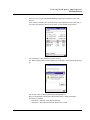
• Press the Contacts Quick button on the front panel of your handheld.
Contacts will open to the Contacts list.
36