1
1 Getting started
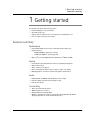
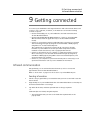
Preparing to use your Acer n20
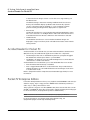
IMPORTANT: You will only need to slide down the hard reset switch for the initial
installation of the battery pack. There is no need to use this switch for subsequent battery
pack reinstallation unless you intend to perform a hard reset. For more information on
performing a hard reset, refer to page viii.
4
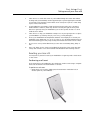
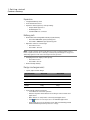
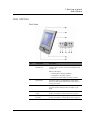
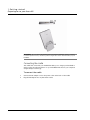
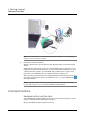
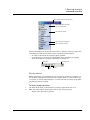
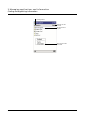
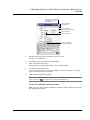
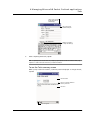
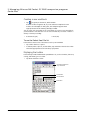
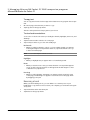
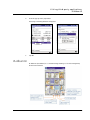
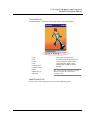
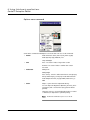
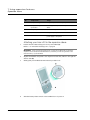
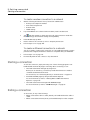
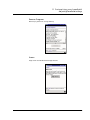
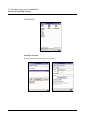
Insert the battery pack into the battery bay (a), then slide the battery release switch to
Lock position (b).
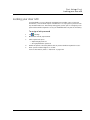
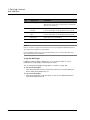
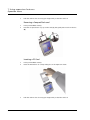
To uninstall the battery pack
1
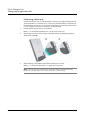
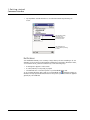
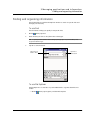
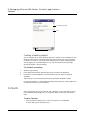
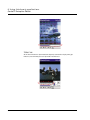
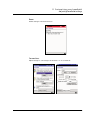
Turn the handheld over to access its rear panel.
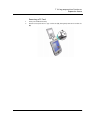
2
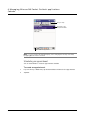
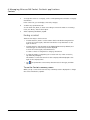
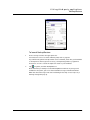
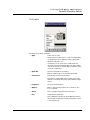
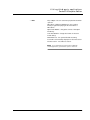
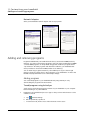
Slide the battery release switch to the Unlock position (a), then pull out the battery
pack from its bay (b).
9