1
PortaCDRW.book Page 61 Wednesday, April 4, 2001 10:49 PM
Ejecting a Disc
Ejecting a Disc
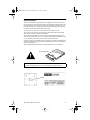
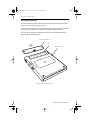
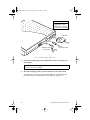
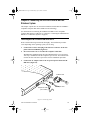
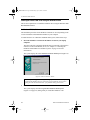
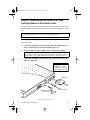
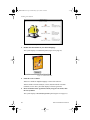
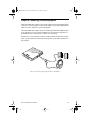
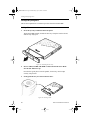
1. To eject a disc, first make sure the disc has stopped spinning. Then press
the Open/Eject button on the front panel.
The PortaCD-RW partially extends the disc tray. Grasp the front bezel and
slide the tray fully open.
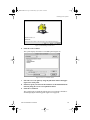
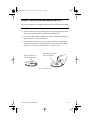
2.
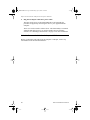
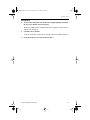
Carefully remove the disc.
You may need to press a finger on the spindle or chassis to stabilize the drive.
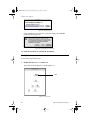
3.
Gently push the tray to retract it into the drive.
TEAC PortaCD-RW User’s Manual
61