1
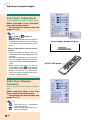
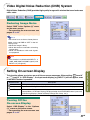
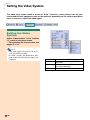
Video Digital Noise Reduction (DNR) System
Digital Noise Reduction (DNR) provides high quality images with minimal dot crawl and cross
color noise.
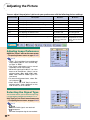
Reducing Image Noise
Select “DNR” in the “Options (1)” menu
on the menu screen.
➝ For operating the menu screen, see
pages 42 to 45.
Note
• Set a level so as to view a clearer picture.
Make sure to set DNR to “OFF” in the following cases:
• When the image is blurry.
• When the contours and colors of moving
images drag.
• When TV broadcasts with weak signals
are projected.
Info
• This function is available with INPUT 1, 2
(480I, 480P, 580I and 580P signals) and
INPUT 3, 4 (all signals).
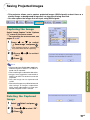
This function allows you to turn on or off the on-screen messages. When setting “
Level A”
Level B” in “OSD Display”, the input mode display (e.g. INPUT 1) will not appear, even
or “
if the INPUT button is pressed.
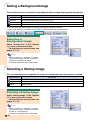
Selected Item
Description
Normal
All On-screen Displays are displayed.
Level A
Input/Freeze/Enlarge/Auto Sync/Volume/Mute/Black Screen are not displayed.
Level B
All On-screen Displays are not displayed.
(except Menu, On-Screen Displays displayed when the KEYSTONE button is pressed,
and warning displays (Power off/Temp./Change The Lamp., etc.))
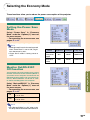
Turning Off the
On-screen Display
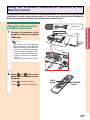
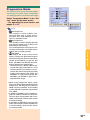
Select “OSD Display” in the “Options
(1)” menu on the menu screen.
➝ For operating the menu screen, see
pages 42 to 45.
-65
Easy to Use Functions
Setting On-screen Display