1
Initial Settings
LANGUAGE
LANGUAGE
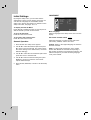
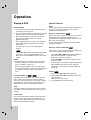
By using the Setup menu, you can make various
adjustments to items such as picture and sound. You
can also set a language for the subtitles and the
Setup menu, among other things. For details on each
Setup menu item, see pages 12 to 15.
English
Disc Audio
Original
Disc Subtitle
Off
Disc Menu
Original
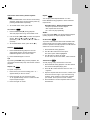
To display and exit the Menu:
Press SETUP to display the menu. A second press of
SETUP will take you back to initial screen.
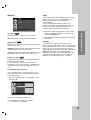
Menu Language
To go to the next level:
Press B on the remote control.
Select a language for the Setup menu and on-screen
display.
To go back to the previous level:
Press b on the remote control.
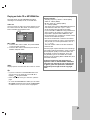
Disc Audio / Subtitle / Menu
General Operation
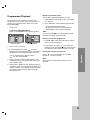
1. Press SETUP. The Setup menu appears.
2. Use v / V to select the desired option then press
B to move to the second level. The screen shows
the current setting for the selected item, as well as
alternate setting(s).
3. Use v / V to select the second desired option then
press B to move to the third level.
4. Use v / V to select the desired setting then press
ENTER to confirm your selection. Some items
require additional steps.
5. Press SETUP, RETURN, or PLAY to exit the Setup
menu.
12
Menu Language
Move
Select
DVD
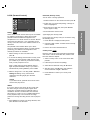
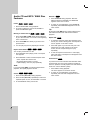
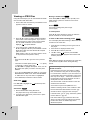
Select the language you prefer for the audio track
(disc audio), subtitles, and the disc menu.
Original: Refers to the original language in which the
disc was recorded.
Other: To select another language, press number
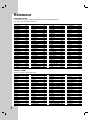
buttons then ENTER to enter the corresponding 4digit number according to the language code list in the
reference chapter. If you enter the wrong language
code, press CLEAR.