1
ENGLISH
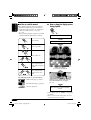
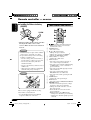
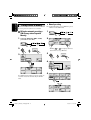
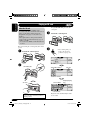
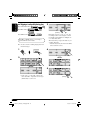
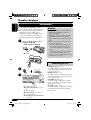
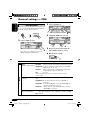
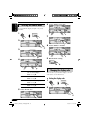
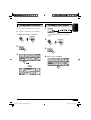
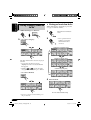
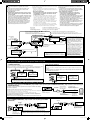
To select a disc during playback
Other main functions
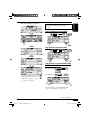
Selecting a disc/folder/track on the
list
1
• If you hold the icon, the Disc List will
appear on the display (see the right
column).
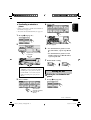
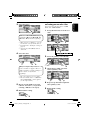
2 • Select a disc (only for the CD
changer).
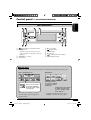
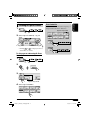
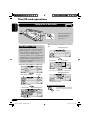
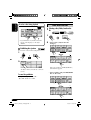
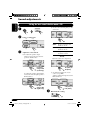
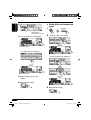
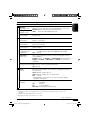
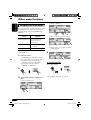
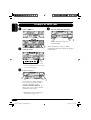
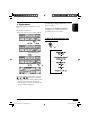
Prohibiting disc ejection
You can lock a disc in the loading slot.
1
*1
*2
2
“No Eject” flashes, and the disc cannot be
ejected.
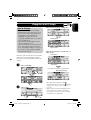
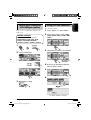
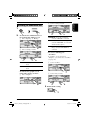
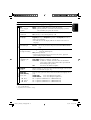
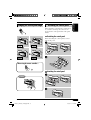
To cancel the prohibition
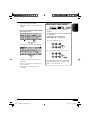
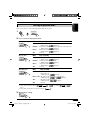
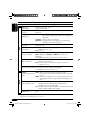
If the selected disc is an MP3/WMA disc,
its Folder List appears.
• Select a folder (only for MP3/WMA
disc or SD card).
In step 2 above, press “Eject OK.”
“Eject OK” flashes for a while.
*3
*2
16
EN14-19_AR5500_LHX550[J]f.indd 16
11/30/04 7:48:51 PM