1
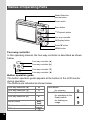
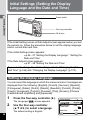
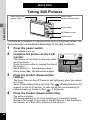
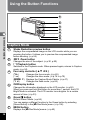
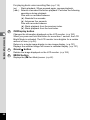
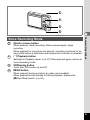
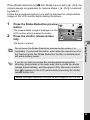
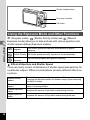
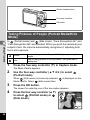
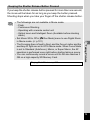
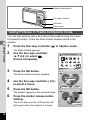
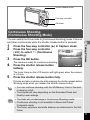
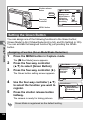
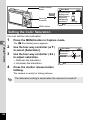
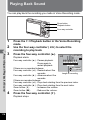
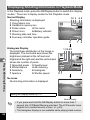
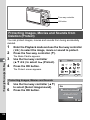
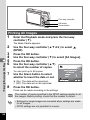
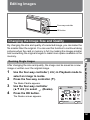
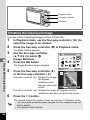
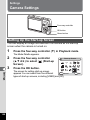
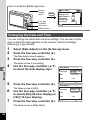
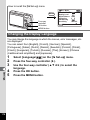
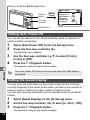
Shutter release button
Zoom button
Four-way controller
OK button
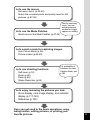
Taking Movies (Movie Mode)
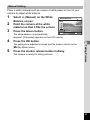
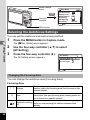
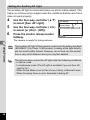
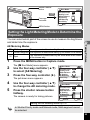
This mode enables you to take movies with sound.
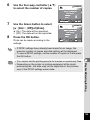
1
4
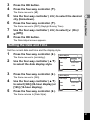
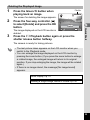
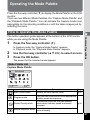
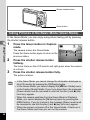
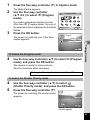
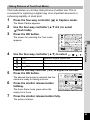
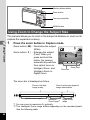
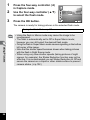
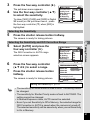
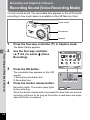
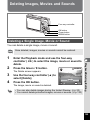
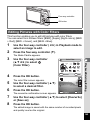
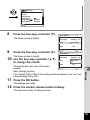
Press the four-way controller (3) in Capture mode.
The Mode Palette appears.
Taking Pictures
2
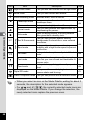
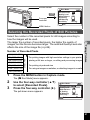
Use the four-way controller
(2345) to select C (Movie
mode).
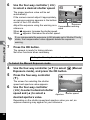
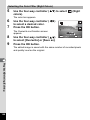
3
Press the OK button.
MENU
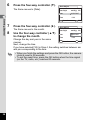
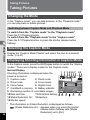
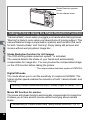
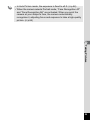
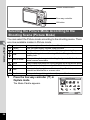
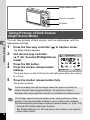
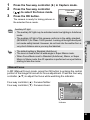
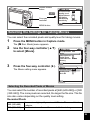
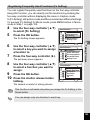
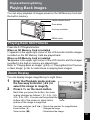
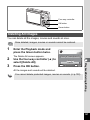
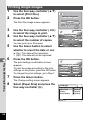
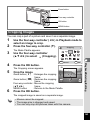
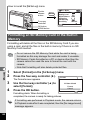
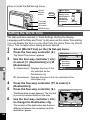
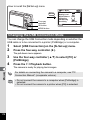
The following shooting information appears
on the LCD monitor and the camera is ready
for taking movies.
1 Movie mode icon
2 Flash Off icon
3 Card/Built-in memory 4 Recordable time
5 Movie SR On
4
5
72
Movie
1 2
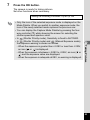
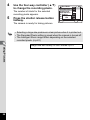
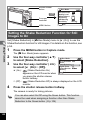
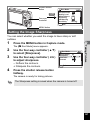
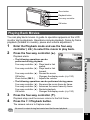
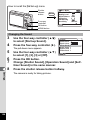
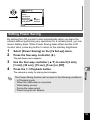
Press the shutter release button.
Shooting ends.
OK
3
OK
4
00:00:23
00:23
01/26/2007
12:00
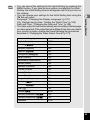
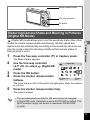
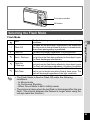
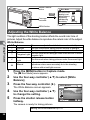
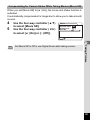
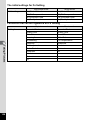
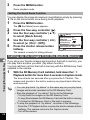
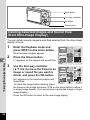
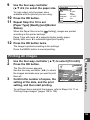
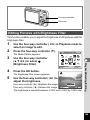
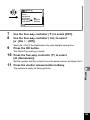
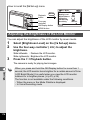
Press the shutter release button.
Shooting starts. Press the zoom button to
change the size of the subject using Digital
Zoom.
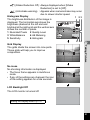
Zoom button (x) : Enlarges the subject.
Zoom button (w): Diminishes the subject.
Cancel
5