1
ENGLISH
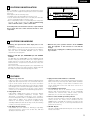
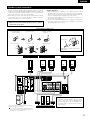
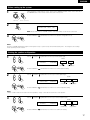
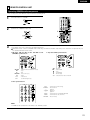
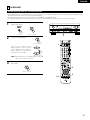
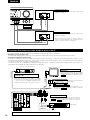
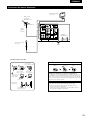
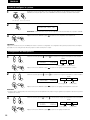
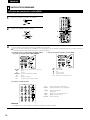
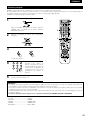
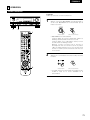
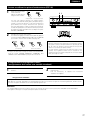
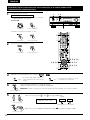
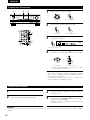
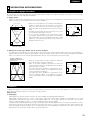
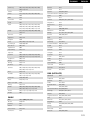
Auto tuning
1
2
1
4
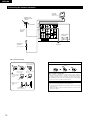
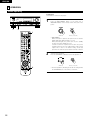
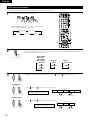
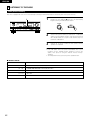
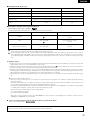
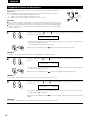
Set the input source to “TUNER”.
(Main unit)
2
(Remote control unit)
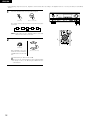
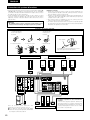
Watching the display, press the BAND button to select the
desired band (AM or FM).
1
4
(Main unit)
3
3
(Remote control unit)
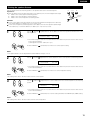
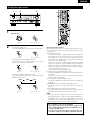
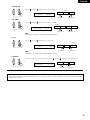
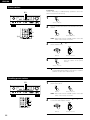
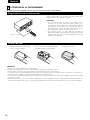
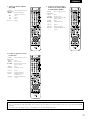
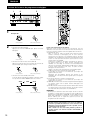
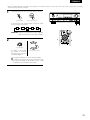
Press the MODE button to set the auto tuning mode.
2
Lit
(Remote control unit)
4
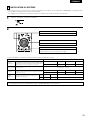
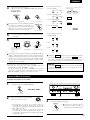
Press the TUNING D (+) or H (–) button.
(Main unit)
(Remote control unit)
• Automatic searching begins, then stops when a station is
tuned in.
NOTE:
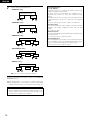
• When in the auto tuning mode on the FM band, the “STEREO”
indicator lights on the display when a stereo broadcast is tuned in.
At open frequencies, the noise is muted and the “TUNED” and
“STEREO” indicators turn off.
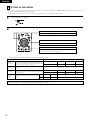
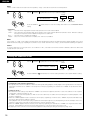
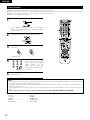
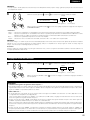
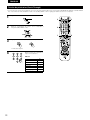
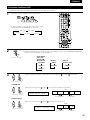
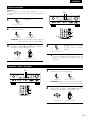
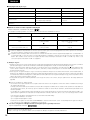
Manual tuning
1
2
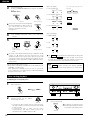
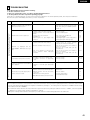
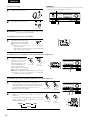
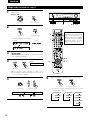
Set the input function to “TUNER”.
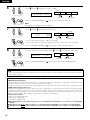
Watching the display, press the BAND button to select the
desired band (AM or FM).
3
4
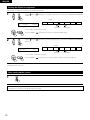
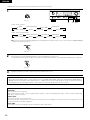
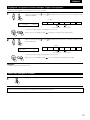
Press the MODE button to set the manual tuning mode.
Check that the display’s “AUTO” indicator turns off.
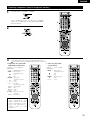
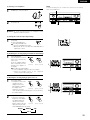
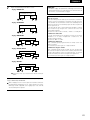
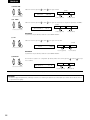
Press the TUNING D (+) or H (–) button to tune in the desired
station.
The frequency changes continuously when the button is held
in.
NOTE:
• When the manual tuning mode is set, FM stereo broadcasts are received in monaural and the “STEREO” indicator turns off.
43