1
Viewing Pictures on TV
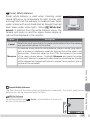
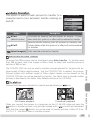
The EG-CP14 audio / video (A / V) cable included with the camera can be used
to connect the camera to a television or video-cassette recorder (VCR).
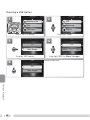
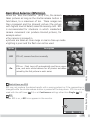
Choosing a Video Mode
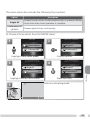
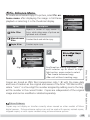
The Video mode item in the setup menu offers a choice of NTSC and PAL
( 99). Be sure that the mode selected matches the standard used in the
video device.
1
2
More on Playback
3
4
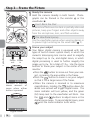
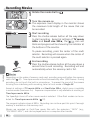
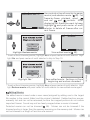
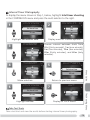
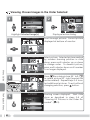
Turn the camera off
Turn the camera off before connecting or disconnecting the A / V cable.
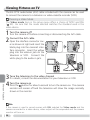
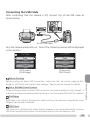
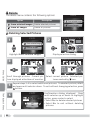
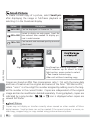
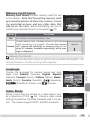
Connect the A / V cable
Open the interface connector cover as shown at right and insert the
black plug into the camera’s interface connector. Insert the yellow
plug into the video-in jack on the
television or VCR. Connect the
white plug to the audio-in jack.
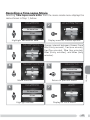
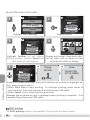
Tune the television to the video channel
If in doubt, consult the documentation for your television or VCR.
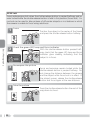
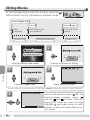
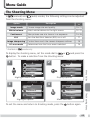
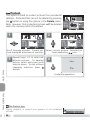
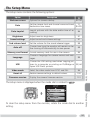
Turn the camera on
Press the button for about a second to turn the camera on. The camera
monitor will remain off and the television will show the image normally
shown in the monitor.
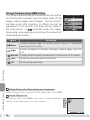
PAL
If the camera is used to record movies with PAL selected for Video mode and the
camera connected to a video device, video output will be suspended and the camera
monitor will turn on.
56