1
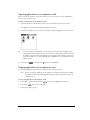
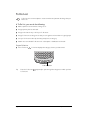
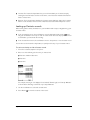
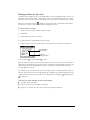
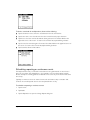
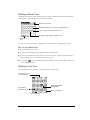
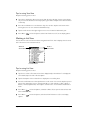
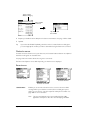
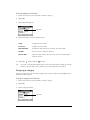
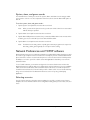
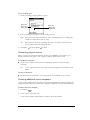
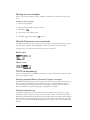
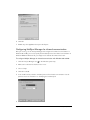
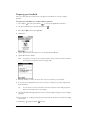
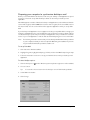
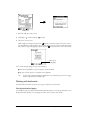
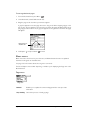
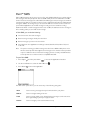
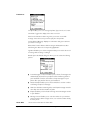
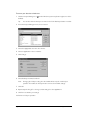
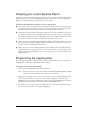
2. Tap the remaining pick lists and select the other three cities you want to display.
Tip:
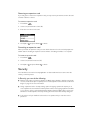
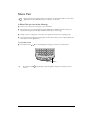
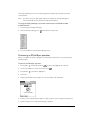
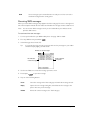
You can temporarily display the day and time for any other city by tapping the city’s
location on the map display.
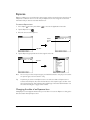
Adding cities
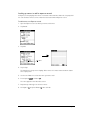
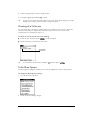
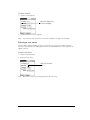
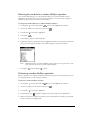
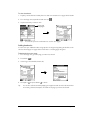
If the city you want to display is not in the predefined list, you can use the Edit Cities command
to add it.
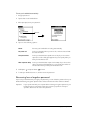
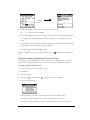
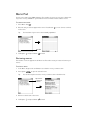
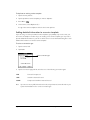
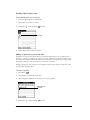
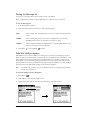
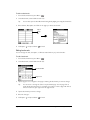
To add a city to the list:
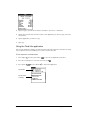
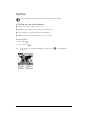
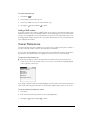
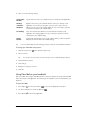
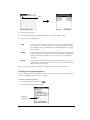
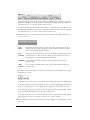
1. Press Menu
.
2. Under Options, select Edit Cities (/E).
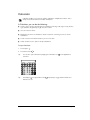
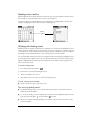
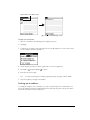
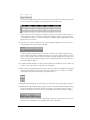
3. Tap New.
4. Enter the city name and other information.
5. Hold Option
and press Return
to finish.
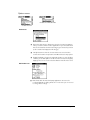
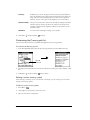
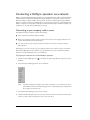
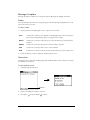
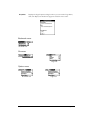
CityTime menus
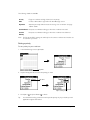
CityTime menus are shown here for your reference, and CityTime features that are not explained
elsewhere in this guide are described here. See page 33 for information about choosing menu
commands.
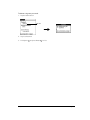
Options menu
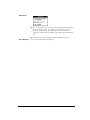
About CityTime
Shows version information for CityTime.
Help
Displays online help for the CityTime screens.
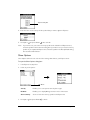
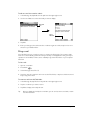
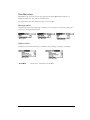
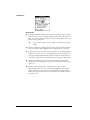
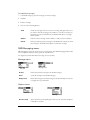
Utilities menu
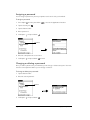
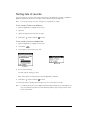
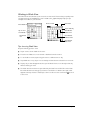
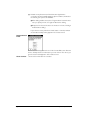
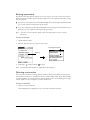
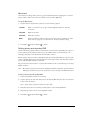
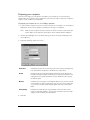
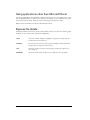
Change Location Opens the Change Location dialog box where you can select the city to
which you are moving or travelling. Changing the location updates the
system time, date, and daylight savings settings.
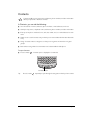
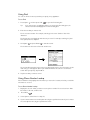
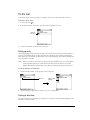
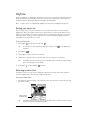
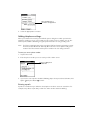
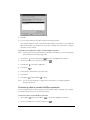
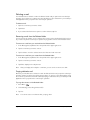
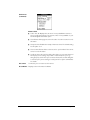
Sun Rise/Set
Chapter 6
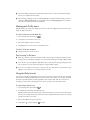
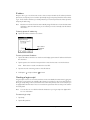
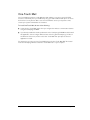
Opens the Sun Rise/Set dialog box where you can view sunrise and
sunset information for your home city. To view this information for another
city, tap the City pick list and select the city from the list. To view this
information for another date, tap the scroll arrows next to the date box.
Page 117