1
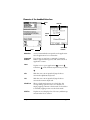
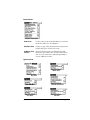
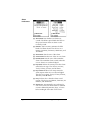
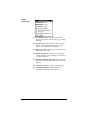
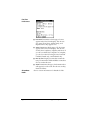
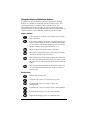
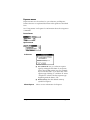
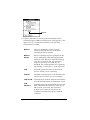
Recalls the stored value from memory and inserts it in
the current calculation.
Clears any value that is stored in the Calculator
memory.
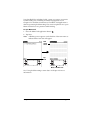
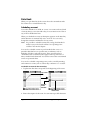
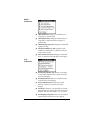
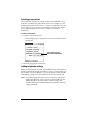
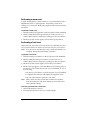
Displaying Recent Calculations
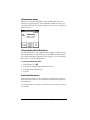
The Basic Calculator’s Recent Calculations command enables you to
review the last series of calculations and is particularly useful for
confirming a series of “chain” calculations.
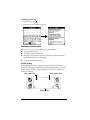
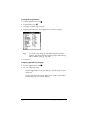
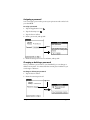
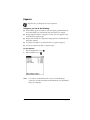
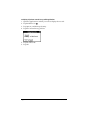
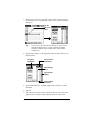
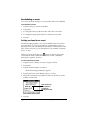
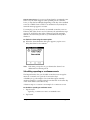
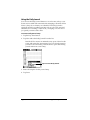
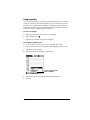
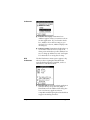
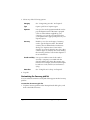
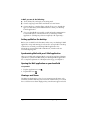
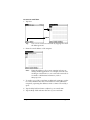
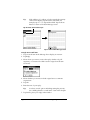
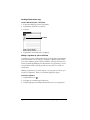
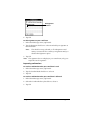
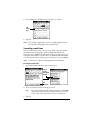
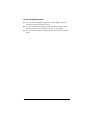
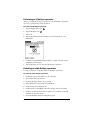
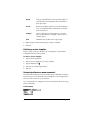
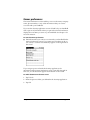
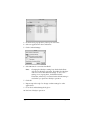
To display recent calculations:
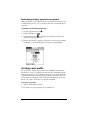
1. Tap the Menu icon
.
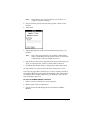
2. Tap Options, and then tap Recent Calculations.
3. After you finish reviewing the calculations, tap OK.
Using the Advanced Calculator mode
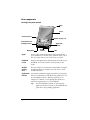
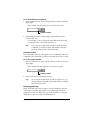
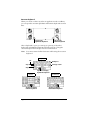
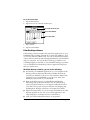
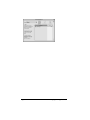
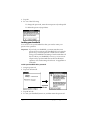
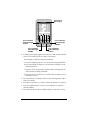
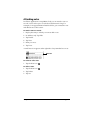
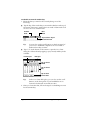
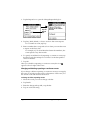
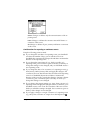
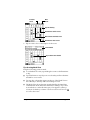
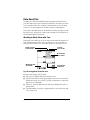
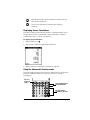
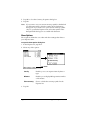
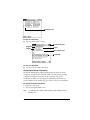
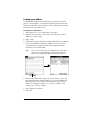
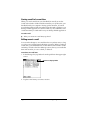
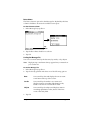
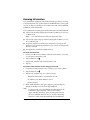
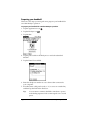
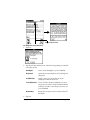
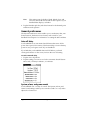
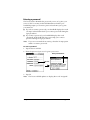
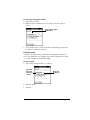
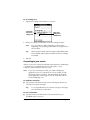
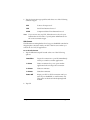
The Advanced Calculator screen consists of three regions. Each region
performs a different function to help you perform a variety of
calculations.
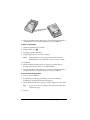
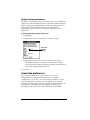
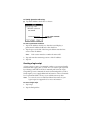
Tap here
to change
views
View specific buttons
change with view
Primary buttons
available in all views
Chapter 6
Page 143