1
Power source/battery
Troubleshooting (continued)
Symptom
Remedy
The CHARGE lamp on the
charger does not light up when
you place the cordless handset
to charge.
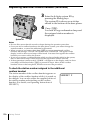
• Wipe the charge terminals of the charger and the
cordless handset with a soft cloth for better contact of
the charge terminals.
• Make sure the cordless handset is placed on the
charger properly.
• Make sure the cordless handset is placed on the
charger with front side facing forward.
• Use only the supplied AC-T127 AC power adaptor.
The battery duration is short.
• The battery pack was charged less than 12 hours (due
to power failure, etc.).
• The usage life of the battery has expired and needs
replacement.
• Use only the supplied AC-T127 AC power adaptor.
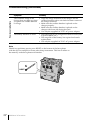
Note
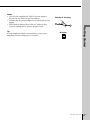
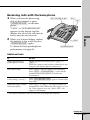
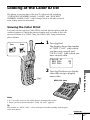
Should any problems persist, press RESET on the bottom of the base phone
with the tip of a toothpick or some other sharp instrument. This has no effect on
the memory in the base phone and handset.
RESET
78US
Additional Information