1
Advanced Options
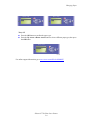
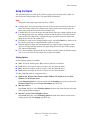
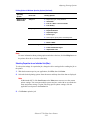
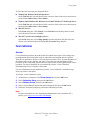
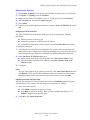
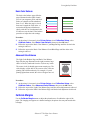
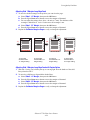
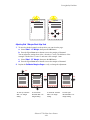
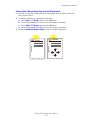
To select negative or mirror images in a supported driver:
■
Windows 98, Windows Me PostScript driver:
On the Setup tab, click More Layout Options, then select Print as a Negative Image or
Print as a Mirror Image.
■
Windows 2000, Windows XP, Windows Server 2003 PostScript driver:
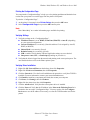
From the Layout tab, click Advanced. Under Document Options and PostScript
Options, select Yes for Mirrored Output.
■
Windows NT driver:
On the Advanced tab, under Document Options and PostScript Options, select Yes for
Mirrored Output or Negative Output.
■
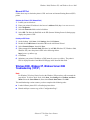
Mac OS 9 driver:
From the File menu, select Page Setup, choose PostScript Options from the drop-down
list, then select Invert Image (to print a negative image) or Flip Horizontal (to print a
mirror image).
Phaser® 7750 Color Laser Printer
2-78