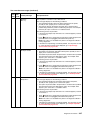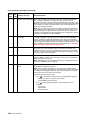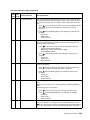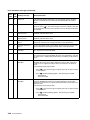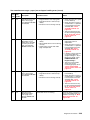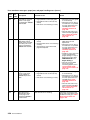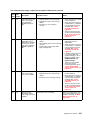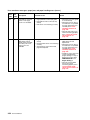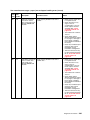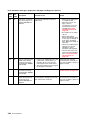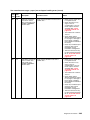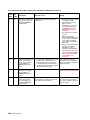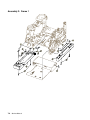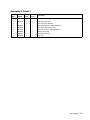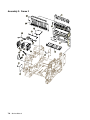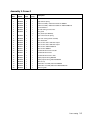
1
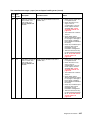
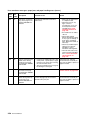
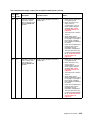
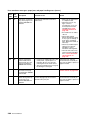
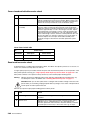
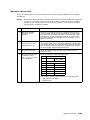
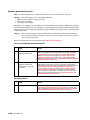
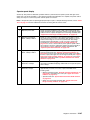
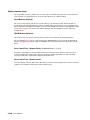
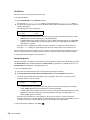
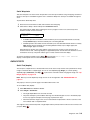
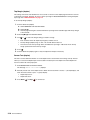
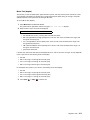
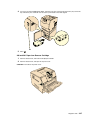
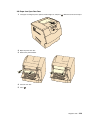
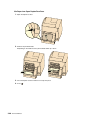
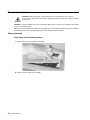
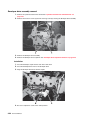
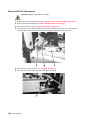
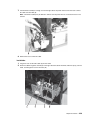
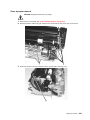
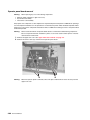
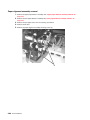
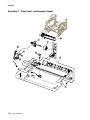
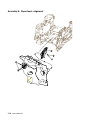
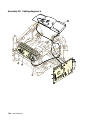
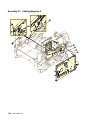
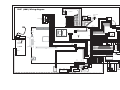
Fuser assembly removal
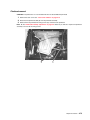
CAUTION: Unplug the printer before you begin.
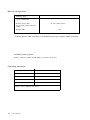
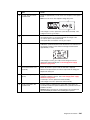
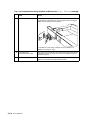
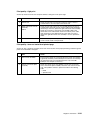
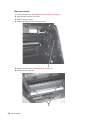
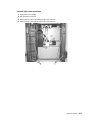
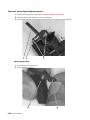
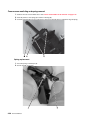
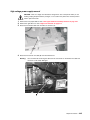
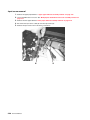
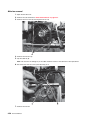
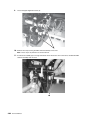
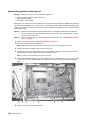
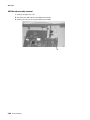
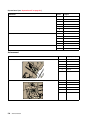
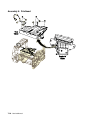
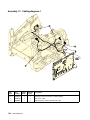
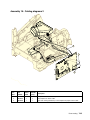
1. Remove the fuser wick assembly cover. See “Fuser wiper cover assembly removal” on page 4-4.
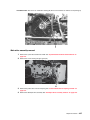
2. Remove the redrive assembly. See “Redrive assembly removal” on page 4-74.
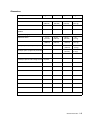
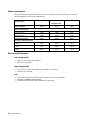
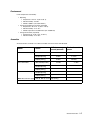
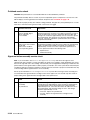
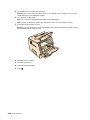
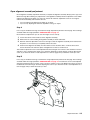
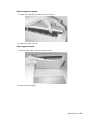
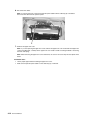
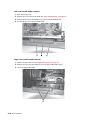
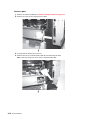
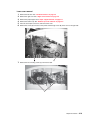
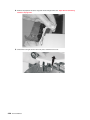
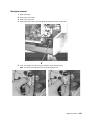
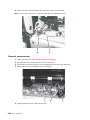
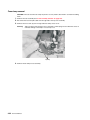
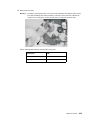
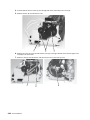
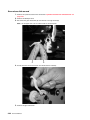
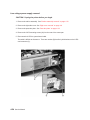
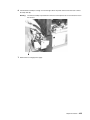
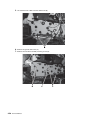
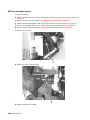
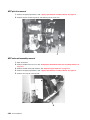
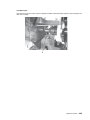
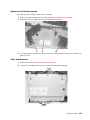
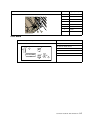
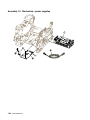
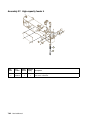
3. Remove the fuser mounting screws (A).
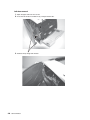
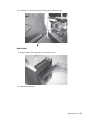
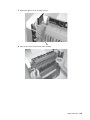
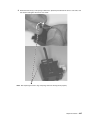
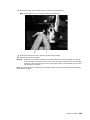
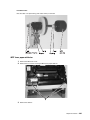
4. Disconnect the fuser to LVPS AC cable (B) from the fuser lamp connector (C).
4-26 Service Manual