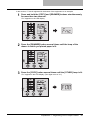
1
2
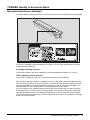
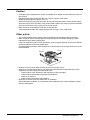
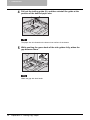
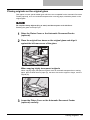
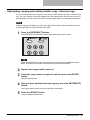
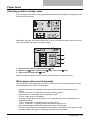
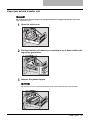
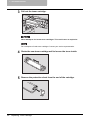
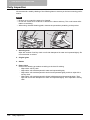
Open the transport guide while holding the knob (A).
A
3
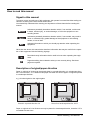
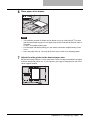
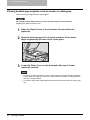
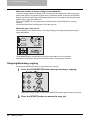
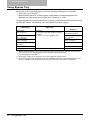
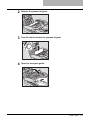
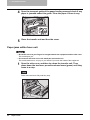
Release the jammed paper.
Pull the jammed paper up or down as shown below depending on the position of the
paper.
Be sure not to touch the photoconductive drum when releasing the jammed paper.
Pulling it up
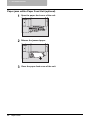
4
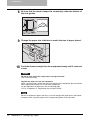
Pulling it down
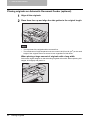
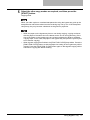
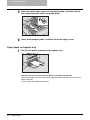
Return the transport guide to its original position, and then close
the transfer unit and the side cover.
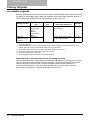
Paper Jams
87