1
Recording a picture
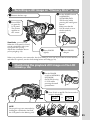
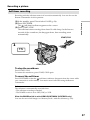
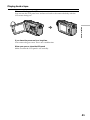
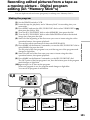
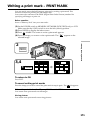
Adjusting the brightness of the LCD screen
1
Recording – Basics
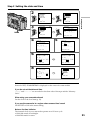
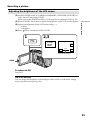
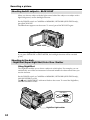
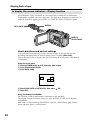
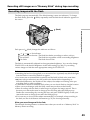
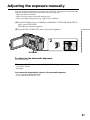
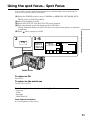
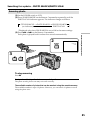
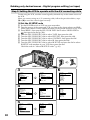
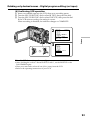
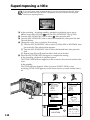
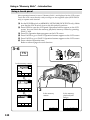
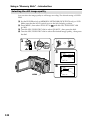
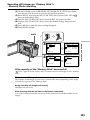
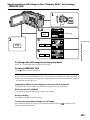
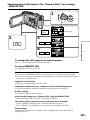
(1) Set the POWER switch to CAMERA or MEMORY/NETWORK (DCR-TRV50
only). Press FN and select PAGE2.
When you set the POWER switch to VCR, press FN to display PAGE1 (p. 24).
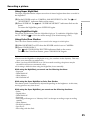
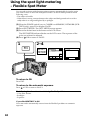
(2) Press LCD BRT. The screen to adjust the brightness of the LCD screen appears.
(3) Adjust the brightness of the LCD screen using –/+.
– : To dim
+ : To brighten
OK to return to PAGE1/PAGE2.
(4) Press
2,3
FN
LCD
BRT
OK
–
LCD BRT
+
the bar indicator
OPEN
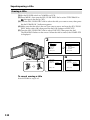
To return to FN
Press EXIT.
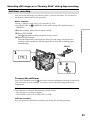
LCD screen backlight
You can change the brightness of the backlight. Select LCD B.L. in the menu settings
when using the battery pack (p. 202).
29