1
all_ux340lm.book Page 32 Tuesday, November 28, 2000
3:09 PM
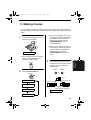
Setting Up and Using OpenLCR
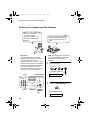
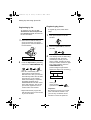
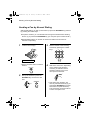
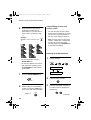
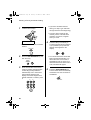
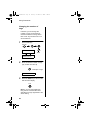
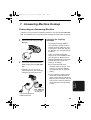
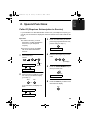
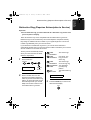
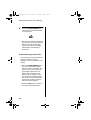
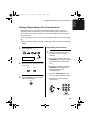
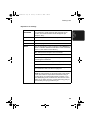
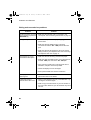
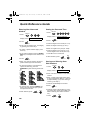
Your fax will automatically
call OpenLCR within the
(Blinking) next 24 hours to learn when
correct rate data will be
available.
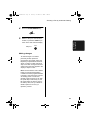
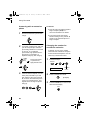
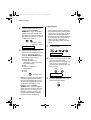
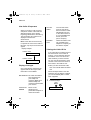
Your fax did not receive rate
data because OpenLCR
was unable to identify it by
Caller ID. To remove the “H”
display, press the
OpenLCR key followed by
#, 1, 8, 4, and #. To receive
OpenLCR service, you will
need to contact your phone
company and allow it to
send your Caller ID
information when you place
calls. After this, register
once again with OpenLCR.
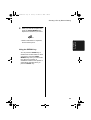
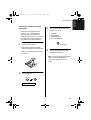
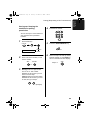
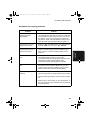
Temporarily turning off
OpenLCR
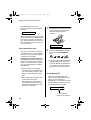
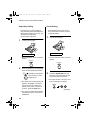
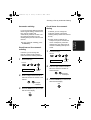
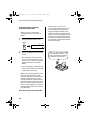
If needed, you can temporarily turn
off OpenLCR.
♦When you temporarily turn off
OpenLCR, long distance and
international calls will not be routed
by OpenLCR. However, your fax
will still call OpenLCR periodically
to receive rate data.
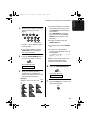
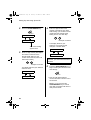
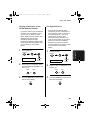
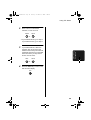
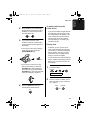
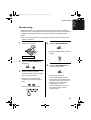
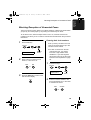
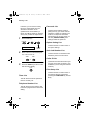
2
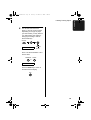
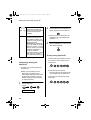
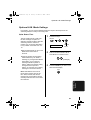
Press 2 (NO) to turn off OpenLCR.
(Press 1 (YES) to turn it back on.)
2
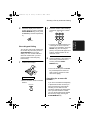
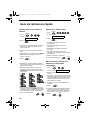
• When you turn off OpenLCR, the
highlighted “C” in the display will
change to “-”.
3
Press the STOP key to return to the
date and time display.
STOP
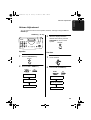
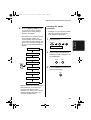
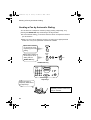
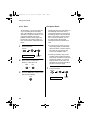
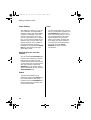
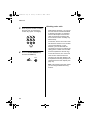
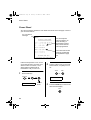
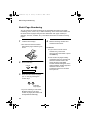
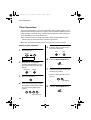
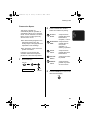
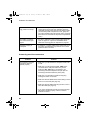
To stop using OpenLCR
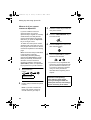
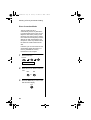
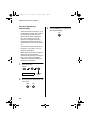
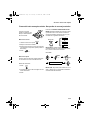
Press the following sequence of keys
if you want to stop using the Open
LCR feature.
1
Press these keys:
FUNCTION
7
LCR DIAL SELECT
32
4
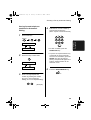
♦Calls will not be routed by
OpenLCR and the fax machine will
not call OpenLCR to update data.
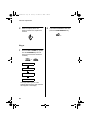
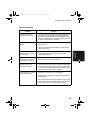
To resume use of OpenLCR, press
these keys:
1
1
8
OpenLCR
OpenLCR
8
6