1
all_ux340lm.book Page 75 Tuesday, November 28, 2000
3:09 PM
8. Special
Functions
Broadcasting
Broadcasting
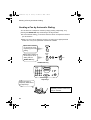
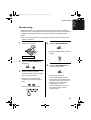
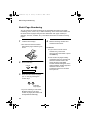
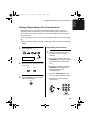
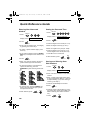
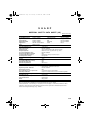
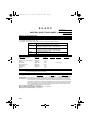
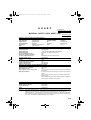
This function allows you to send the same document to as many as 20 different
locations with just one operation. First store the document in memory, then enter the
numbers of the receiving machines. The document will be transmitted to each
location.
♦You can only use Rapid Keys or Speed Dial numbers to dial the numbers of the
receiving machines.
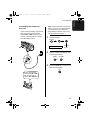
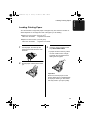
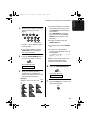
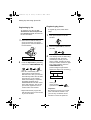
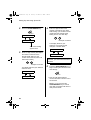
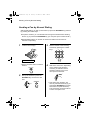
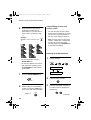
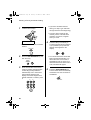
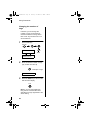
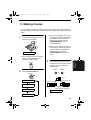
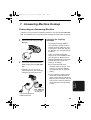
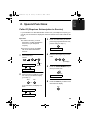
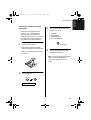
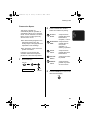
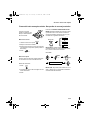
1
Load the document(s).
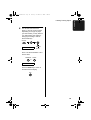
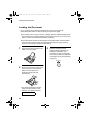
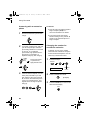
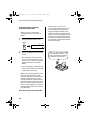
4
Press the START/MEMORY key.
START/MEMORY
• Set the resolution and/or contrast if
desired.
RESOLUTION
READY TO SEND
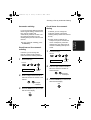
2
Press the START/MEMORY key
and then 2.
2
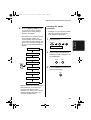
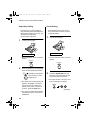
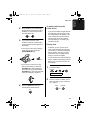
5
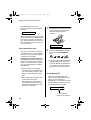
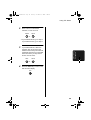
Press the START/MEMORY key.
Transmission will begin.
START/MEMORY
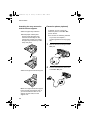
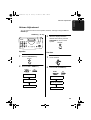
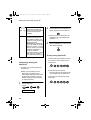
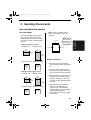
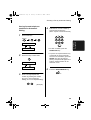
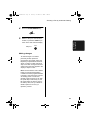
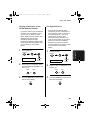
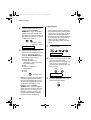
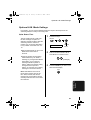
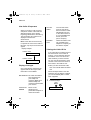
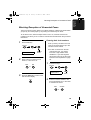
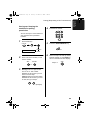
3
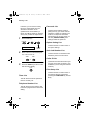
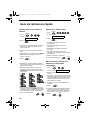
Dial the receiving machines
(maximum of 20) using one or both
of the following methods:
• Enter one or more Speed Dial
numbers by pressing the number
keys.
2
2
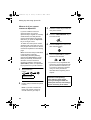
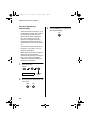
• Press one or more Rapid Keys.
01
02
03
START/MEMORY
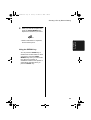
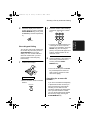
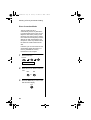
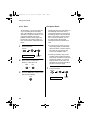
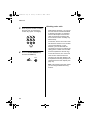
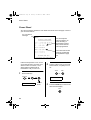
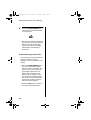
• A Transaction Report is
automatically printed out after
Broadcasting is completed. Check
the "Note" column of the report to
see if any of the locations are
marked "Busy" or have a
communication error code. If so,
send the document to those
locations again.
75