1
L
Hudson++ Ref. Guide
Rev.c
A5 size
03-04-97
Chapter 2
DR, pass 0
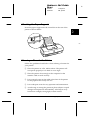
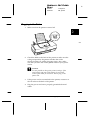
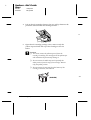
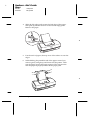
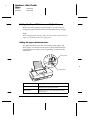
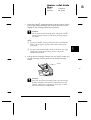
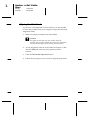
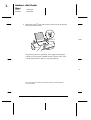
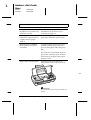
4. Lift up the ink cartridge clamp as far as it will go. Remove the
protective material from the cartridge holder.
11
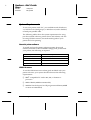
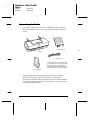
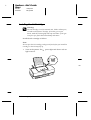
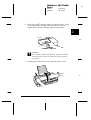
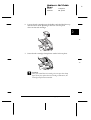
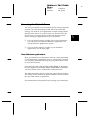
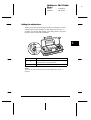
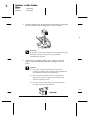
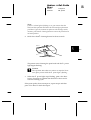
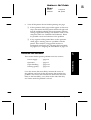
5. Open the ink cartridge package. Next, remove only the
yellow tape seal from the top of the cartridge as shown
below.
c
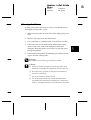
Caution:
❑ You must remove the yellow tape seal from the
cartridge. Installing the cartridge with the yellow tape
still attached will permanently damage it.
❑
Do not remove the whole tape seal (especially the
white portion) from the top of the cartridge. Remove
only the yellow portion.
❑
Do not remove the tape seal from the bottom of the
cartridge; otherwise, ink will leak.
27a
(S020138)
2-8
Setting Up the Printer