1
iTap GigaBit Dual Port Aggregator
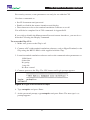
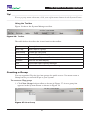
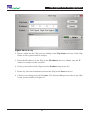
Figure 28: Group Bar
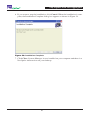
2. Type the name of the new group and press Enter.
Deleting a Group
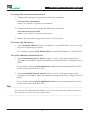
You can delete a group however, all iTaps in that group will also be deleted.
To delete a Group:
1. Right click on the group bar of the group you want to delete.
2. Select Delete from the pop-up menu. The Group and all associated iTaps are
deleted from the system.
Adding iTaps
To create a system in System Manager, you must add iTaps to System Manager.
Once you have added an iTap, you can configure, modify, and delete it from the
system.
To add an iTap to the system:
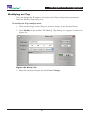
1. Select the Group to which you want to add an iTap by clicking the group bar.
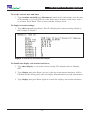
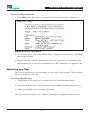
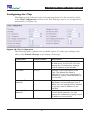
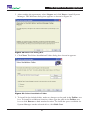
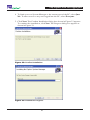
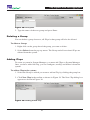
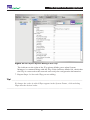
2. Click New iTap in the toolbar as shown in Figure 29. The New iTap dialog box
appears as shown in Figure 30.
Figure 29: Adding a New iTap
33