1
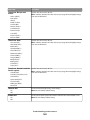
Equipment and service options
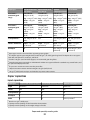
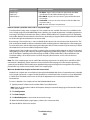
Fax connection setup
Connect through an adapter used in your area
See “Connecting to an adapter for your country or region”
on page 82.
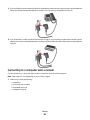
Connect to a computer with a modem
See “Connecting to a computer with a modem” on
page 86.
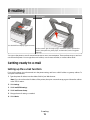
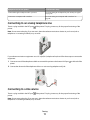
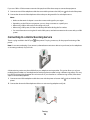
Connecting to an analog telephone line
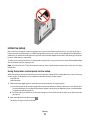
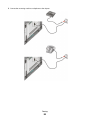
There is a plug installed in the EXT port
printer.
of the printer. This plug is necessary for the proper functioning of the
Note: Do not remove the plug. If you remove it, then other telecommunications devices in your home (such as
telephones or answering machines) may not work.
If your telecommunications equipment uses a US-style (RJ11) telephone line, then follow these steps to connect the
equipment:
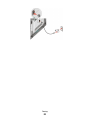
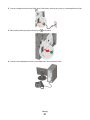
1 Connect one end of the telephone cable that came with the printer to the bottom LINE port on the back of the
printer.
2 Connect the other end of the telephone cable to an active analog telephone wall jack.
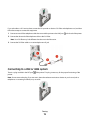
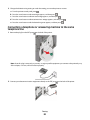
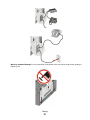
Connecting to a DSL service
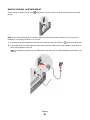
There is a plug installed in the EXT port
printer.
of the printer. This plug is necessary for the proper functioning of the
Note: Do not remove the plug. If you remove it, then other telecommunications devices in your home (such as
telephones or answering machines) may not work.
Faxing
77