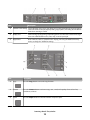
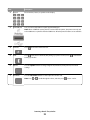
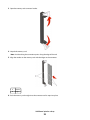
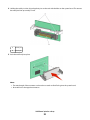
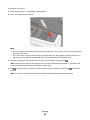
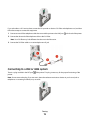
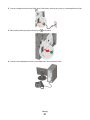
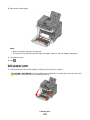
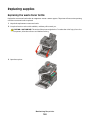
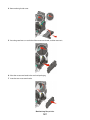
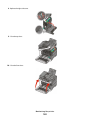
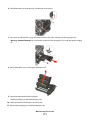
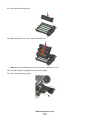
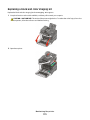
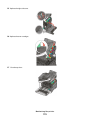
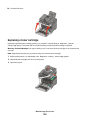
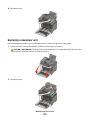
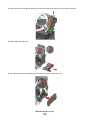
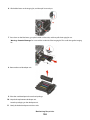
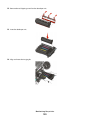
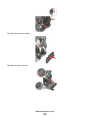
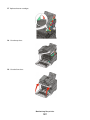
3 Remove the toner cartridges by lifting the handles and then gently pulling away from the imaging kit.
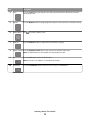
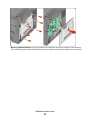
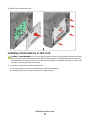
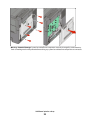
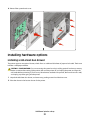
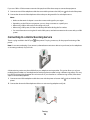
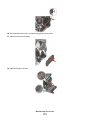
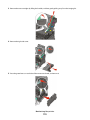
4 Remove the right side cover.
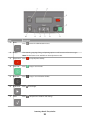
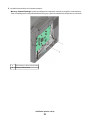
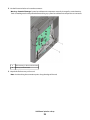
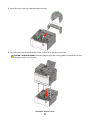
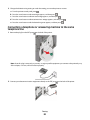
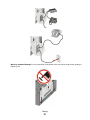
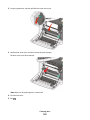
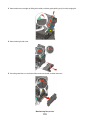
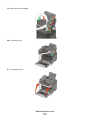
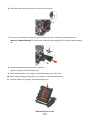
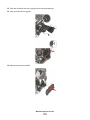
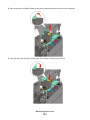
5 Press the green levers on each side of the waste toner bottle, and then remove it.
Maintaining the printer
183