1
Beginning Printer Installation
To install the 4230 Printer, follow these steps:
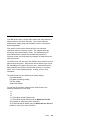
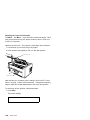
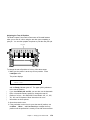
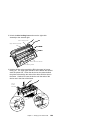
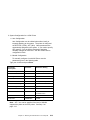
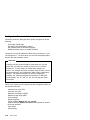
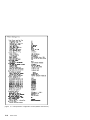
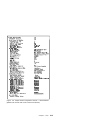
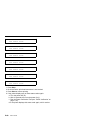
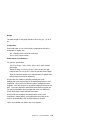
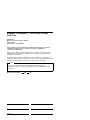
1. Be sure that you have the following items:
P r in t e r
A c o u s tic C o v e r
F o rm s D e v ic e
L o w e r F o rm s G u id e s
Paper Door
(F3 D evice O nly)
(F3 D evice O nly)
R ib b o n C a rt rid g e
M a in t e n a n c e
U s e r's G u id e
O p e ra to r P a n e l In s tru c tio n s
Q u ic k R e fere nc e G u id e
M anu als
S h ie ld
P o w e r C o rd
V-C o n n e c to r
(Tw in a x ia l A t ta c h e d P rin te rs )
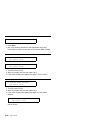
Notes:
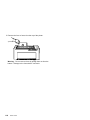
a. Contact your place of purchase if any of the items shown
above are missing.
b. The Document Insertion Device (F3) is shipped with a long
and short lower forms guide and a paper door. If you
ordered the F3 forms device, be sure that you find the
guides and paper door and set them aside.
c. You also will have enclosed a V-connector.
1-2
User’s Guide