1
PLAYBACK MODE
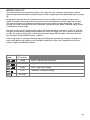
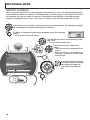
VIEWING IMAGES
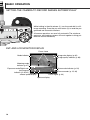
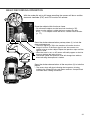
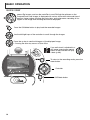
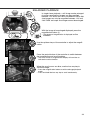
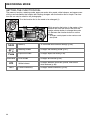
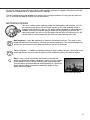
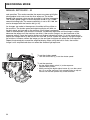
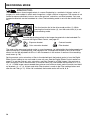
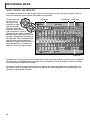
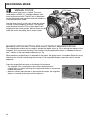
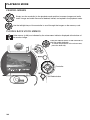
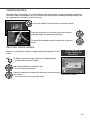
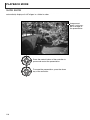
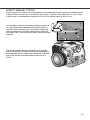
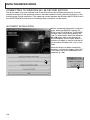
Simply turn the mode dial to the playback-mode position to access images and audio
tracks. Image and audio files can be deleted, locked, and copied in the playback mode.
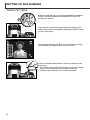
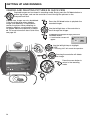
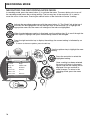
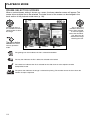
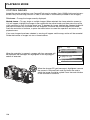
Use the left/right keys of the controller to scroll through the images on the memory card.
PLAYING BACK VOICE MEMOS
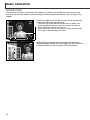
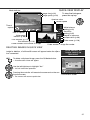
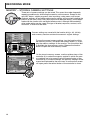
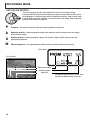
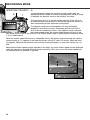
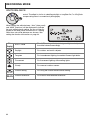
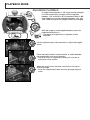
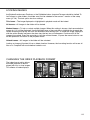
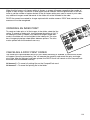
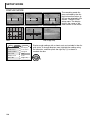
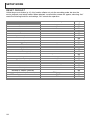
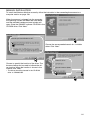
Voice memos (p. 99) are indicated by the voice-memo indicator displayed at the bottom of
the monitor image.
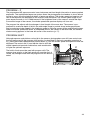
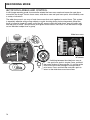
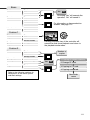
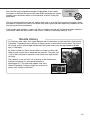
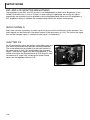
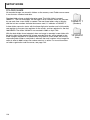
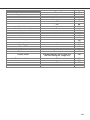
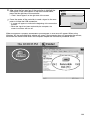
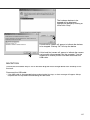
Press the central button of the controller to
start the audio playback.
• To cancel the playback of the voice memo,
press the down key.
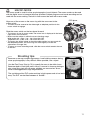
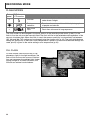
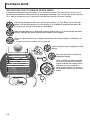
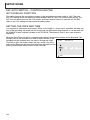
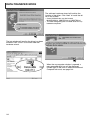
Controller
QV/Delete button
106