1
Advanced features
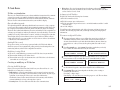
F-Code Boxes
F-Code: an introduction
The ITU-T, the United Nations agency that standardises international telecommunications, has created a fax industry standard for using sub-addressing and
password-based communication. One name for this standard is F-Code, and that’s
what we’ll call it in these instructions and on your machine’s display.
How sub-addressing works
To help understand sub-addressing, think about how someone in a large company
receives mail. For example, mail for the Accounting department is first delivered to
the company’s main mailroom. Then the mailroom routes the mail to Accounting.
That’s the idea behind sub-addressing. Your fax and another F-Code-compatible fax
exchange special signals to indicate just where the fax really should go. It’s as if the
sending fax is saying, “Deliver this to room 48,” and the receiving fax does just that.
Your machine has up to 50 mailboxes for these special deliveries. When someone
sends an F-Code fax to you, your machine receives it into one of those 50 mailboxes
— whichever box the sender chooses.
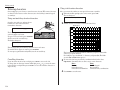
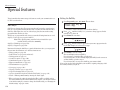
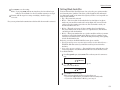
• Relay box — Receives documents, then relays them to other machines. The
machine that relays the document is called a “hub”. Your fax machine can either
send to a hub or it can be a hub.
4 elements of an F-Code box
Each F-Code box has the following four elements:
(1) F-Code box number (01-50)
(2) F-Code box name (up to 16 characters)
(3) F-Code sub-address (up to 20 characters - can include numbers and the * and #
characters only)
(4) I.D. Code (4 digits)
You will choose the information for each of these elements, and enter it into your
machine. The following steps will walk you through entering and changing that
information.
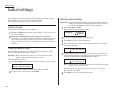
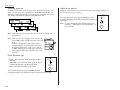
To create or modify an F-Code box:
1
Keep pen and paper with you as you follow these steps. As you decide on a
sub-address and enter it into your machine, write it down. Remember to:
(1) write down which box goes with which sub-address, (2) write down any
passwords or I.D. codes you enter, (3) keep these printed records in a safe
place.
2
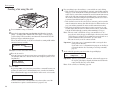
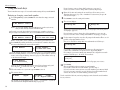
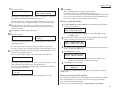
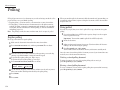
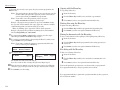
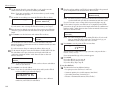
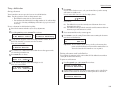
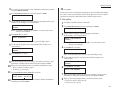
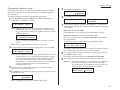
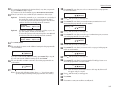
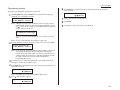
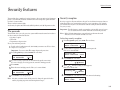
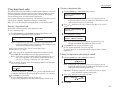
Press Program key, C, 4, 0, 1, ENTER. Depending on whether you already
have a name entered for F-Code box 01, the LCD shows:
Sending F-Code securely
For greater security, you can set up a password with each F-Code sub-address,
which lets you use secure transmission, polling and relay broadcasting when communicating with any other F-Code compatible fax machine.
Guidelines for using F-Code
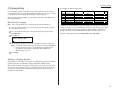
(1) To use ITU-T sub-addressing, you must create F-Code boxes in your machine
(2) Your machine holds up to 50 of these boxes
(3) Your machine stores up to 30 documents into each F-Code box (each document
can include one or more pages)
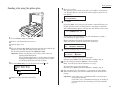
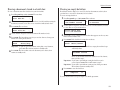
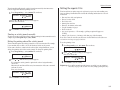
Select F-Code Box
01:No Number Stored
3
Choosing the F-Code box type
Before you set up an F-Code box, first decide how your callers will use it — as a
bulletin box, a security box or a relay box.
• Bulletin box — Stores documents that people in remote locations retrieve by
polling the box. For example, your sales branches could call in at any time to get
a printout of your latest prices that you’ve stored in a bulletin box.
A bulletin box stores both scanned and retrieved documents, and it holds its
contents indefinitely (as long as the unit has AC power).
• Security box — Receives and stores F-Code secure communications.
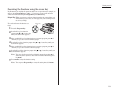
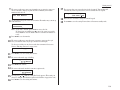
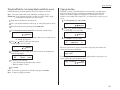
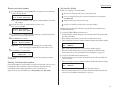
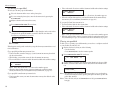
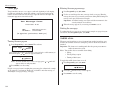
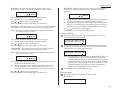
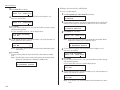
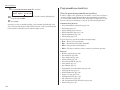
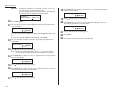
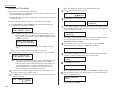
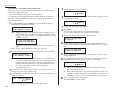
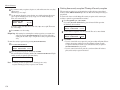
Use the numeric keypad to enter the two-digit number (01-50) of the F-Code
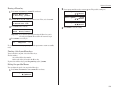
box you want to create or modify. Here, we’ve entered 0, 3 and see either:
Select F-Code Box
03:No Number Stored
Creating or modifying an F-Code box
4
5
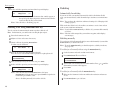
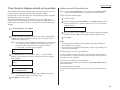
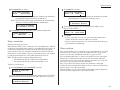
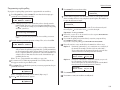
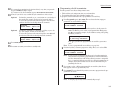
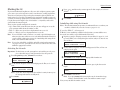
Select F-Code Box
or 01:NY Branch Office
Select F-Code Box
or 03:Konica America
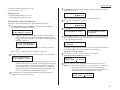
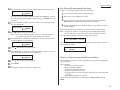
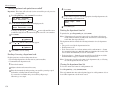
If want to select a different F-Code box than the one that appears on the LCD,
use the numeric keypad to enter the two-digit F-Code box number now.
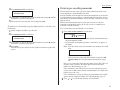
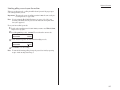
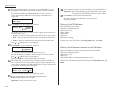
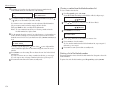
Press ENTER. What you do next depends on whether you’re creating or
modifying the F-Code box:
If creating — skip to step 7.
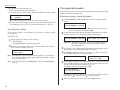
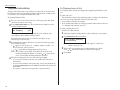
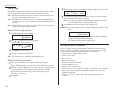
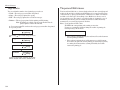
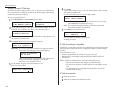
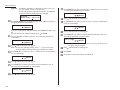
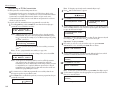
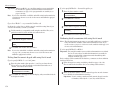
If modifying — the LCD asks you to enter the proper I.D. code. The LCD shows:
03:Set F-Code Box
Enter I.D. Code:****
3.25