1
LOADING THE FILM
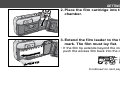
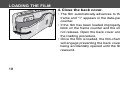
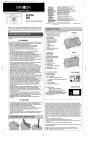
4. Close the back cover.
• The film automatically advances to the first
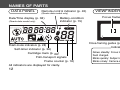
frame and “1” appears in the data-panel frame
counter.
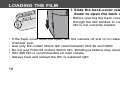
• If the film has been loaded improperly, “0” will
blink on the frame counter and the shutter will
not release. Open the back cover and repeat
the loading procedure.
• Once the film is loaded, the film-chamber lock
will engage preventing the back cover from
being accidentally opened until the film is
rewound.
18