1
Chapter 2 — Configuring the CK30
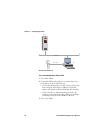
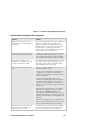
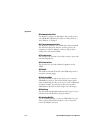
To save configuration changes using the Configuration Utility
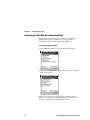
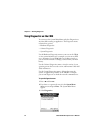
1 From the System Main Menu, select Configuration Utility.
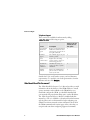
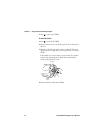
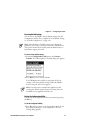
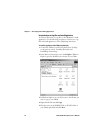
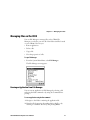
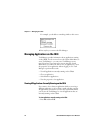
2 From the Configuration Utility, select Save to Flash. The
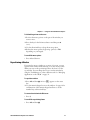
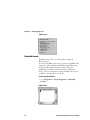
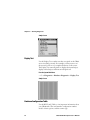
Save Settings dialog box appears:
3 Press Enter.
An hourglass appears while the CK30 is saving your settings
to flash. When the CK30 is done saving your changes, it
returns you to the Configuration Utility menu.
4 Press Esc to return to the System Main Menu.
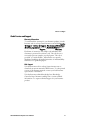
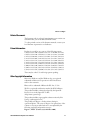
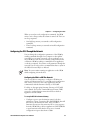
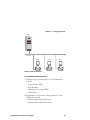
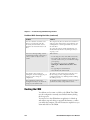
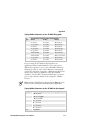
To save configuration changes by scanning a bar code
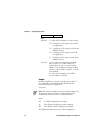
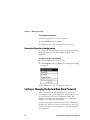
• Scan this bar code:
Save Configuration in Flash Memory
*.+1*
*.+1*
To save configuration changes by sending a command from the host
• Send .+1 as the last command from the host application.
CK30 Handheld Computer User’s Manual
55