1
NS-19E430A10/NS-22E430A10 19" 720p LED HDTV/ 22" 1080p LED HDTV
19" 720p LED HDTV/
22" 1080p LED HDTV
Installing the stand or a
wall-mount bracket
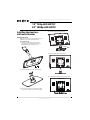
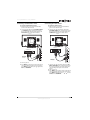
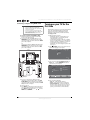
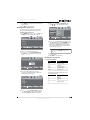
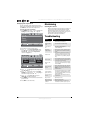
4 Find the insertion slot on the stand.
Installing the stand
If you plan to use your TV in an upright position on
a flat surface, you need to install the stand.
To install the stand:
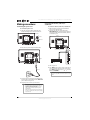
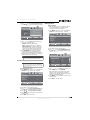
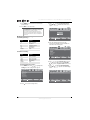
1 Insert the stand bracket into the bracket
mouting hold on the stand, then secure the
bracket with the two included screws.
Insertion slot
Stand
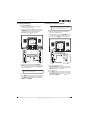
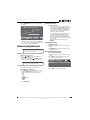
5 Slide the stand into the insertion slot.
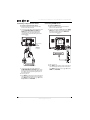
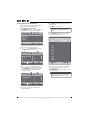
2 Install the bracket cap on top of the bracket.
Stand
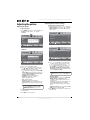
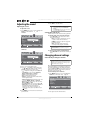
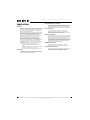
6 Secure the stand with the four provided screws.
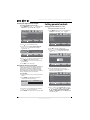
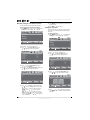
3 Place a towel or cushion on a flat surface, then
lay your TV face-down on the towel or cushion.
4
www.insigniaproducts.com