1
Table of Contents
Chapter 1 - Getting Started
About This Manual ...................................................... 1-1
Unpacking the Imager ................................................. 1-1
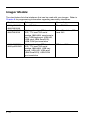
Imager Models ............................................................ 1-2
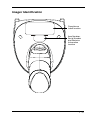
Imager Identification .................................................... 1-3
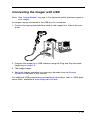
Connecting the Imager with USB ................................ 1-5
Connecting the Imager with RS-232 Serial Port ......... 1-6
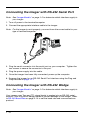
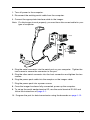
Connecting the Imager with RS-232 Wedge ............... 1-6
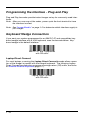
Programming the Interface - Plug and Play ................ 1-8
Keyboard Wedge Connection ..................................... 1-8
Laptop Direct Connect........................................... 1-8
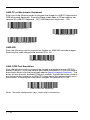
USB Connection.......................................................... 1-9
IBM SurePos ......................................................... 1-9
USB PC or Macintosh® Keyboard ....................... 1-10
USB HID.............................................................. 1-10
USB COM Port Emulation ................................... 1-10
RS-232 Serial Port Connection ................................. 1-11
Serial Wedge Data Transmission Port ...................... 1-12
IBM 4683 Ports 5B, 9B, and 17 Connection ............. 1-12
Wand Emulation Connection..................................... 1-13
Reading Techniques ................................................. 1-14
Chapter 2 - Terminal Interfaces
Terminal ID.................................................................. 2-1
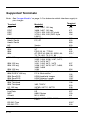
Supported Terminals ................................................... 2-2
Keyboard Country ....................................................... 2-4
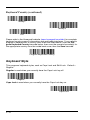
Keyboard Style ............................................................ 2-6
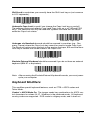
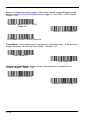
Keyboard Modifiers ..................................................... 2-7
RS-232 Baud Rate .............................................. 2-10
RS-232 Word Length: Data Bits,
Stop Bits, and Parity ...................................... 2-10
RS-232 Receiver Time-Out ................................. 2-11
RS-232 Handshaking .......................................... 2-12
Wand Emulation Connection............................... 2-12
i