1
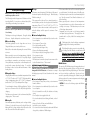
Deleting Pictures
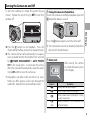
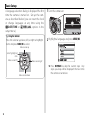
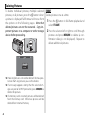
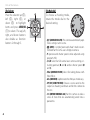
To delete individual pictures, multiple selected
pictures, or all pictures, press the b button when
a picture is displayed full frame and choose from
the options on the following pages. Note that
deleted pictures can not be recovered. Copy important pictures to a computer or other storage
device before proceeding.
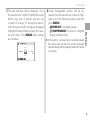
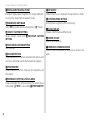
ERASE
FRAME
SELECTED FRAMES
ALL FRAMES
R Protected pictures can not be deleted. Remove protection from any pictures you wish to delete.
R If a message appears stating that the selected images are part of a DPOF print order, press MENU/OK to
delete the pictures.
R If a memory card is inserted, pictures will be deleted
from the memory card. Otherwise pictures will be
deleted from internal memory.
22
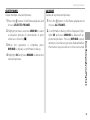
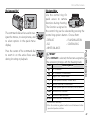
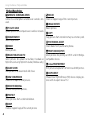
FRAME
Delete pictures one at a time.
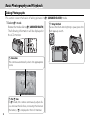
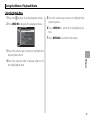
1 Press the b button in full-frame playback and
select FRAME.
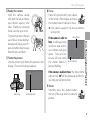
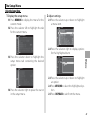
2 Press the selector left or right to scroll through
pictures and press MENU/OK to delete (a confirmation dialog is not displayed). Repeat to
delete additional pictures.