1
k PhotoBook Assist
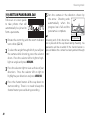
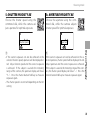
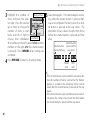
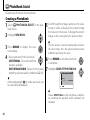
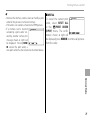
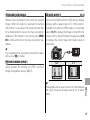
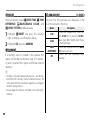
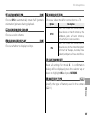
Press MENU/OK. The new book will be
8 added
to the list in the photobook
assist menu.
c
• Photobooks can contain up to 300 pictures.
• Books that contain no photos are automatically
deleted.
PhotoBooks
Photobooks can be copied to a computer using the
supplied MyFinePix Studio software.
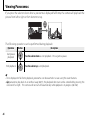
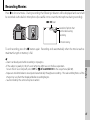
Viewing PhotoBooks
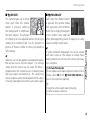
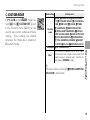
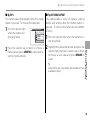
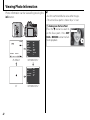
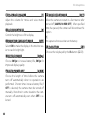
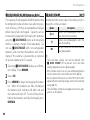
Highlight a book in the photobook assist menu
and press MENU/OK to display the book, then press
the selector left and right to scroll through the
pictures. Press DISP/BACK to return to the photobook assist menu.
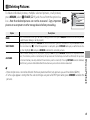
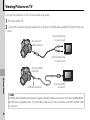
Editing and Deleting PhotoBooks
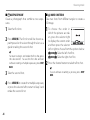
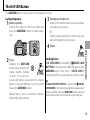
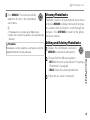
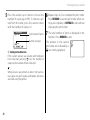
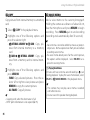
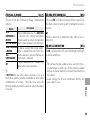
the photobook and press
1 Display
MENU/OK to view book edit options.
PhotoBook” on page 64.
• ERASE: Delete the current photobook.
3 Follow the on-screen instructions.
More on Playback
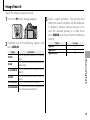
from the following options:
2 Choose
• EDIT: Edit the book as described in “Creating a
65